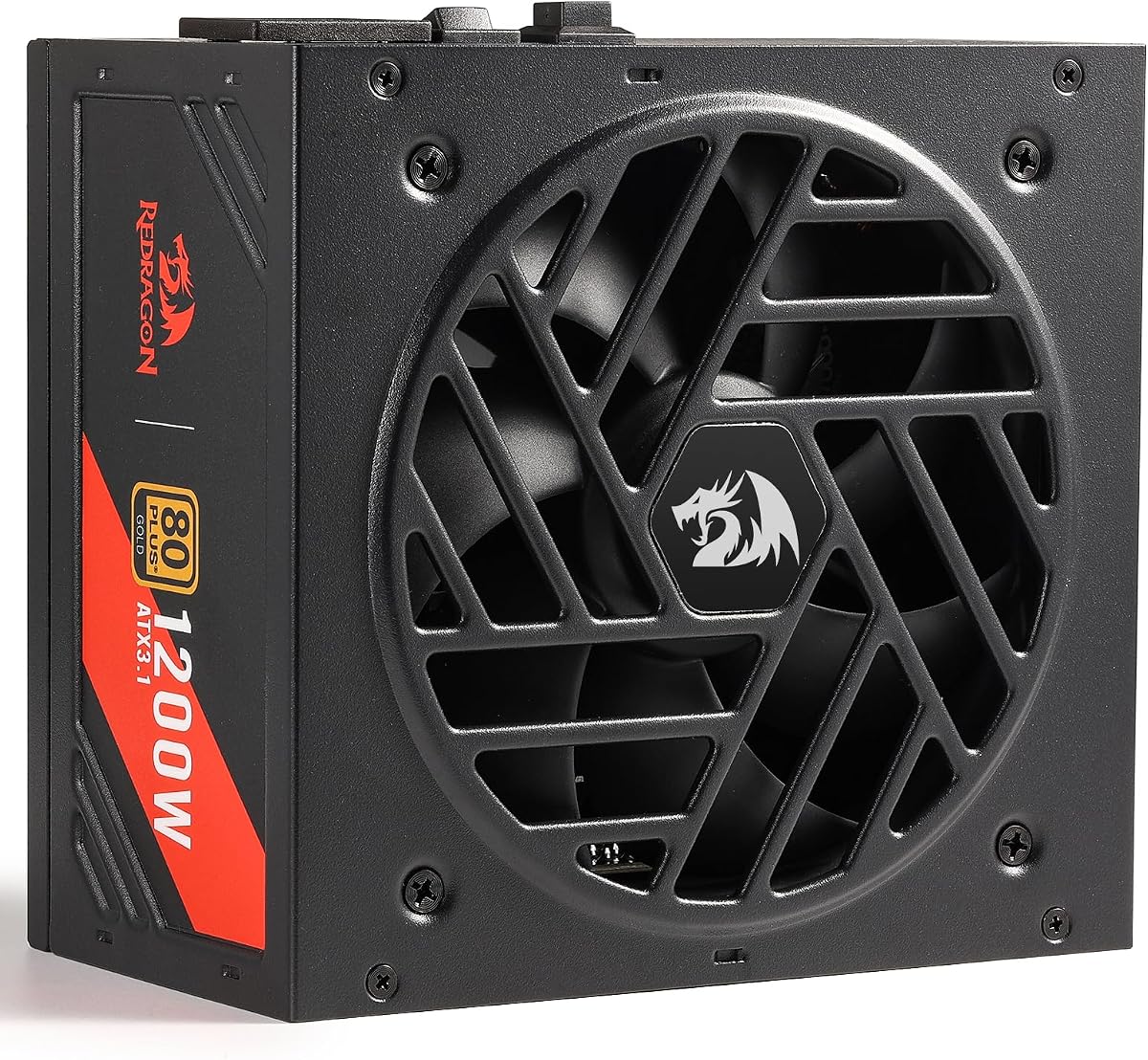
Redragon RGMS-1200W PRO
5.0Editor score
80 Plus Gold Certified
ATX 3.1 Ready
Compact 150mm Size
Discover the top 1200W power supplies for high-end gaming rigs. This guide compares efficiency, connectivity, and build quality to help you choose.
Choosing the right power supply is critical for modern high-performance computers. A 1200W unit ensures stable energy for flagship GPUs and processors. It handles transient spikes while maintaining efficiency and quiet operation during intense workloads.
We evaluated ten leading models based on efficiency certifications and ATX standards. Our analysis covers modular cabling, fan technologies, and component quality. This list helps you find the perfect match for your specific build requirements and budget constraints.
Each pick highlights key strengths and potential trade-offs for informed decisions. Review detailed specifications and user feedback before purchasing. Prices and availability fluctuate frequently, so check current listings to secure the best value for your investment today.
5.0Editor score
5.0Editor score

4.5Editor score
This side-by-side comparison highlights key specifications across all ten models. We focus on efficiency ratings, connector types, and warranty periods to help you quickly identify the most suitable unit for your high-wattage system.



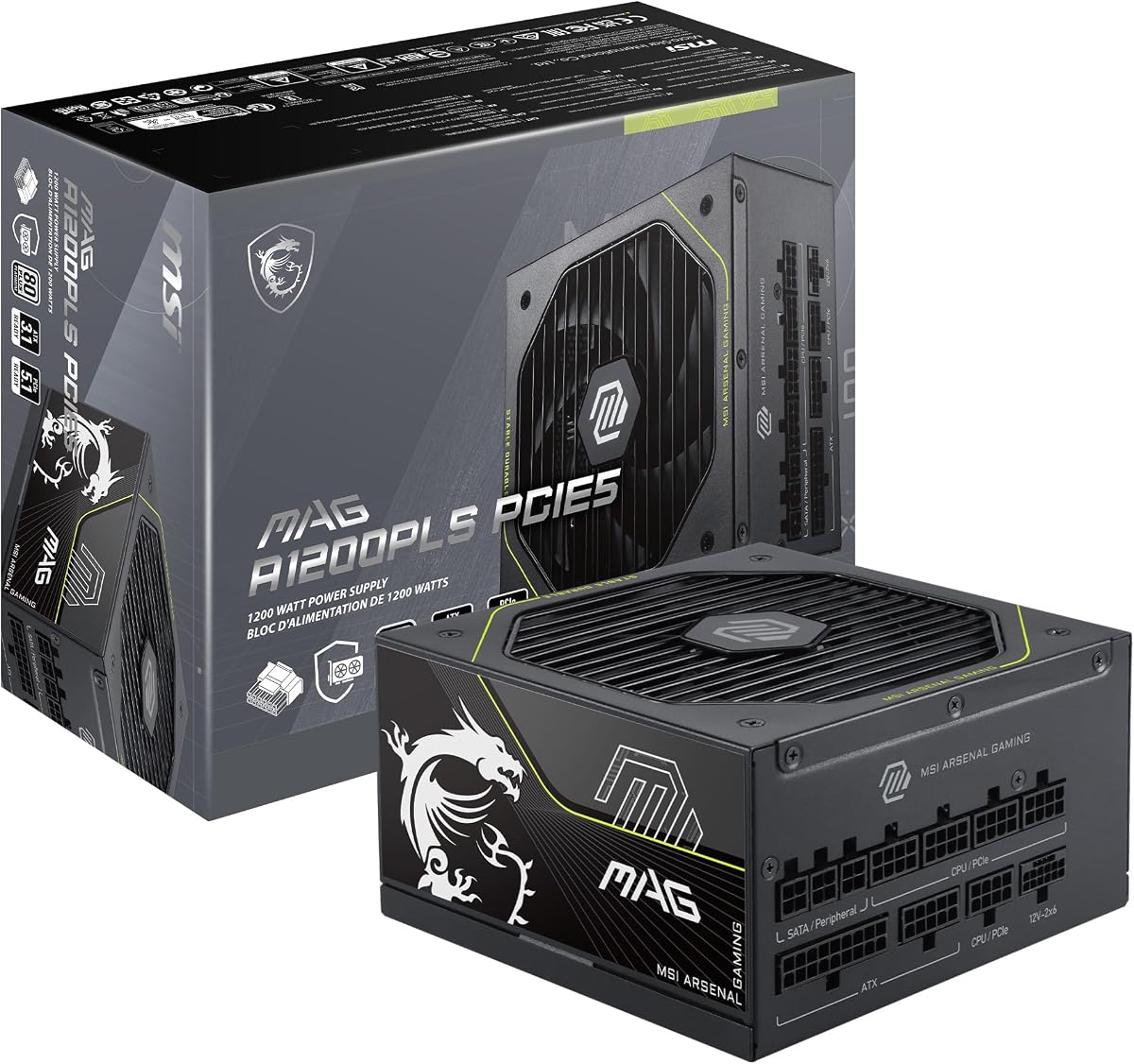
The MSI MAG A1200PLS PCIE5 stands out as a top choice for high-performance builds. With a perfect 5.0 rating, it delivers exceptional efficiency and reliability. Its native 12V-2×6 connector ensures future-ready compatibility without adapters.
We may earn a commission when you buy through this link, at no additional cost to you.
This unit features GPU Safeguard technology that provides real-time current protection. If it detects abnormal 12V-2×6 current status, users receive an early alert. The 105°C main capacitor and full modularity enhance durability and ease of installation.
While the fan is effective, it may be audible under heavy loads. This is a minor trade-off for the robust protection and high efficiency it offers. The compact size allows better airflow in smaller cases.
Ideal for enthusiasts building with RTX 4090 or future GPUs, this power supply balances performance and value. Its ten-year warranty provides peace of mind. We recommend it for those seeking a reliable foundation for demanding systems.
The native 12V-2×6 connector supports up to 600W for PCIe 5.1 GPUs without needing adapters.
GPU Safeguard monitors current in real time and alerts users to abnormalities immediately.
We may earn a commission when you buy through this link, at no additional cost to you.
The Redragon RGMS-1200W PRO offers incredible value for budget-conscious builders. It achieves a perfect 5.0 rating with 80 Plus Gold efficiency and ATX 3.1 readiness. Its compact size fits well in mid-tower cases.
We may earn a commission when you buy through this link, at no additional cost to you.
This power supply includes 100% Japanese capacitors for long-term reliability. The Zero RPM fan mode keeps noise down during light gaming. Flat modular cables improve airflow and make cable management simpler.
The fan runs at 2000 RPM which may generate noise under stress. However, this does not impact performance or stability. The lack of premium aesthetics is acceptable given the price point.
Recommended for entry-level high-end builds, this unit delivers stability without breaking the bank. It supports modern GPUs efficiently. Consider this if you prioritize value and essential features over premium finishes.
Zero RPM fan mode activates only when temperatures reach 60°C for quieter operation.
Japanese capacitors ensure maximum powering stability and durability over time.
We may earn a commission when you buy through this link, at no additional cost to you.
The ASUS ROG Strix 1200W Platinum is a premium choice for enthusiasts. GaN MOSFET technology delivers up to 30% better efficiency. The GPU-First Intelligent Voltage Stabilizer enhances voltage delivery by up to 45% for smoother gameplay.
We may earn a commission when you buy through this link, at no additional cost to you.
Large ROG heatsinks cover critical components to maintain lower temperatures. Dual ball bearings ensure fan longevity. The 0dB technology allows light gaming in relative silence which is ideal for quiet rooms.
Its higher cost reflects the advanced components and unique voltage technology. The unit is heavy and requires sturdy support. For most users, a standard Platinum PSU suffices, but this offers unmatched stability.
Best for extreme overclockers or those wanting top-tier performance, this supply justifies its price. It protects expensive components better than many rivals. Choose this if budget allows for the best voltage regulation.
GPU-First voltage sensing enhances delivery by up to 45% to your graphics card.
Large ROG heatsinks deliver lower temperatures and noise than reference designs.
We may earn a commission when you buy through this link, at no additional cost to you.
The CORSAIR HX1200i (2025) offers advanced control through iCUE software. Users can toggle single to multi-rail OCP on-the-fly. Intel ATX 3.1 certification ensures it resists transient power spikes reliably.
We may earn a commission when you buy through this link, at no additional cost to you.
The 140mm Fluid Dynamic Bearing fan delivers quiet performance. Zero RPM mode switches the fan off at low loads for silent operation. The fully modular cabling keeps builds clean and tidy.
Relying on software for custom curves may be inconvenient for some. The price is higher than competitors but offers unique control options. It lacks some visual features but excels in reliability.
Ideal for users already in the Corsair ecosystem, this PSU provides seamless integration. Its protection features protect against surges effectively. Choose this if software monitoring and control are priorities for your setup.
Toggle between single to multi-rail overcurrent protection on-the-fly via software.
Zero RPM fan mode ensures near-silent operation at low and medium loads.
We may earn a commission when you buy through this link, at no additional cost to you.
The ASUS TUF Gaming 1200W Gold focuses on durability and robust construction. Capacitors and chokes pass demanding tests to achieve Military-grade Certification. A protective PCB coating guards against moisture and dust effectively.
We may earn a commission when you buy through this link, at no additional cost to you.
Dual ball fan bearings last up to twice as long as sleeve designs. It is ATX 3.1 compatible and bundled with a 16-pin PCIe cable for 600W power. This makes it suitable for future upgrades.
It lacks the advanced software found in pricier models but offers reliable performance. The design is rugged but not flashy. It is a workhorse for daily use rather than enthusiast overclocking.
Recommend this for users needing a reliable workhorse for demanding daily tasks. It provides solid protection and efficiency at a fair price. Choose this if long-term reliability is your main concern over features.
Capacitors and chokes pass demanding tests to achieve Military-grade Certification standards.
A protective PCB coating protects against moisture, dust, and extreme temperatures.
We may earn a commission when you buy through this link, at no additional cost to you.
The Thermaltake Toughpower PT 1200W offers Platinum efficiency at an attractive price. It features two native PCIe 5.1 12V-2×6 cables which deliver up to 600W for future needs. Matcha H++ connectors ensure proper seating.
We may earn a commission when you buy through this link, at no additional cost to you.
Included cables feature flat etched design to improve routing flexibility. Built-in protections like OCP and OVP keep the system safe. Japanese capacitors ensure reliability while keeping costs competitive compared to rivals.
The user rating is lower than other options on this list. This may indicate quality control issues for some units. However, the features and efficiency remain strong for the value provided.
Suitable for users wanting Platinum efficiency without high costs. The dual native cables are a standout feature. Consider this if you prioritize wattage and efficiency over brand reputation or aesthetics.
The included Full Modular cable set features a flat etched design for flexibility.
Matcha dual-colored H++ connector ensures proper connection visually.
We may earn a commission when you buy through this link, at no additional cost to you.
The MONTECH Century II 1200W brings ATX 3.1 readiness to a mid-range option. Its silver metallic appearance offers a clean look for modern builds. The 135mm FDB silent fan includes Zero RPM mode for quiet operation.
We may earn a commission when you buy through this link, at no additional cost to you.
Equipped with 100% Japanese capacitors for reliable performance under load. It includes a comprehensive protection suite and comes with a 10-year warranty. This ensures long-term support for your investment.
While solid, it lacks unique features like those found in premium units. Availability may be limited compared to larger brands. It remains a reliable choice for standard high-performance builds without excess cost.
Best for users seeking a balanced unit with modern standards. It supports high GPUs efficiently. Choose this if you want a clean design and decent warranty without paying for luxury features.
ATX 3.1 and PCIe 5.1 ready with a native 12V-2×6 cable.
Includes 135mm FDB silent fan with Zero RPM mode for noise control.
We may earn a commission when you buy through this link, at no additional cost to you.
The renewed Corsair HX1200i provides high performance at a reduced cost. It delivers ultra-low noise operation with its fluid dynamic bearing fan. ATX 3.1 compliance ensures it handles modern platform demands effectively.
We may earn a commission when you buy through this link, at no additional cost to you.
Japanese capacitors rated for 105°C ensure long life. Modern Standby mode allows faster wake-from-sleep and better efficiency. The fully digital platform supports powerful iCUE software for customization.
Since it is renewed, it may lack the pristine appearance of new units. Warranty terms differ from new items. However, the performance remains consistent with new models for standard use cases.
Ideal for budget-savvy builders wanting premium specs. It offers Platinum efficiency and reliability without the full price tag. Consider this if you prioritize specs over brand new packaging.
Wake your computer faster and consume less power with Modern Standby sleep mode.
iCUE software enables custom fan curves, monitoring and adjusting power settings.
We may earn a commission when you buy through this link, at no additional cost to you.
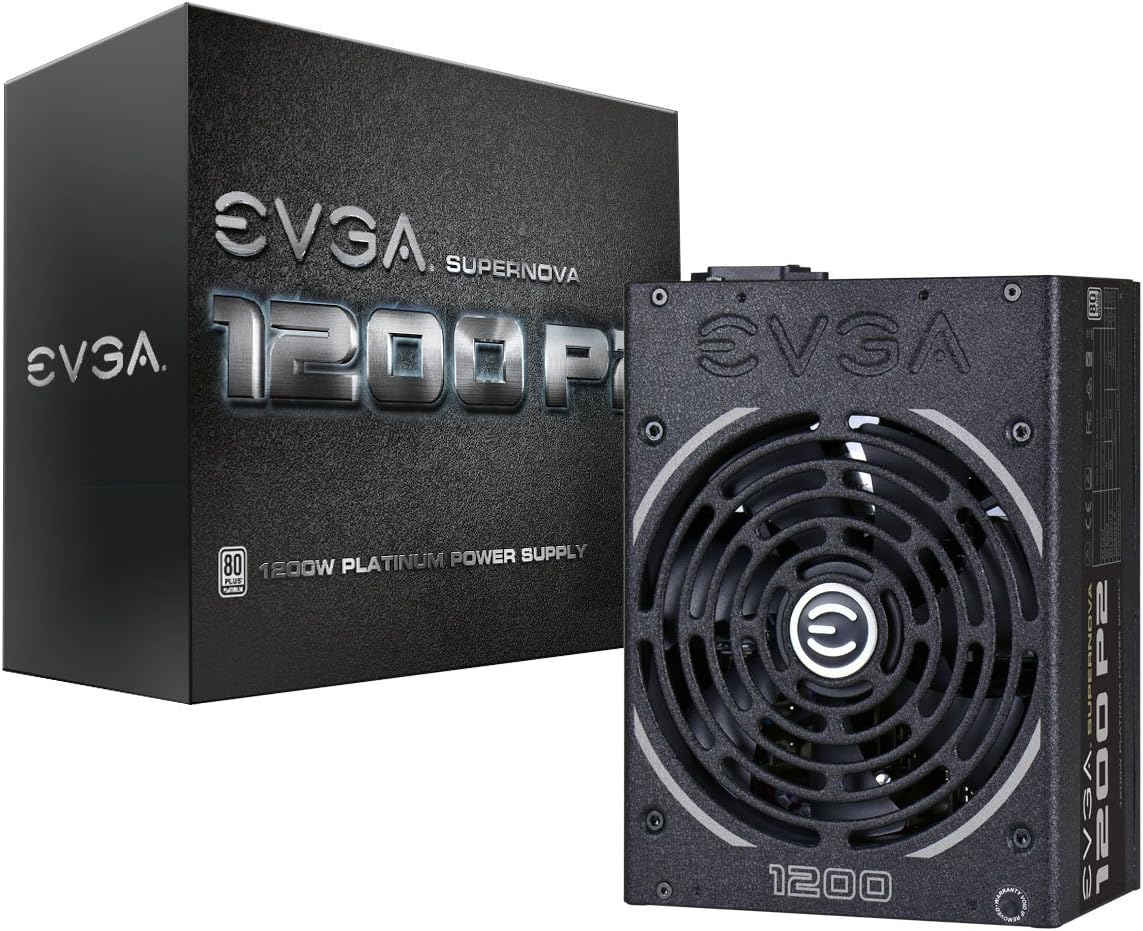
The EVGA Supernova 1200 P2 is a proven performer in power delivery. With 80 PLUS Platinum certified efficiency, it operates efficiently under typical loads. Its ECO Mode allows silent operation under light gaming conditions.
We may earn a commission when you buy through this link, at no additional cost to you.
Built with 100% Japanese Capacitors, it ensures long-term reliability. The 140mm Double Ball Bearing fan provides durable cooling. Fully modular design reduces clutter and improves airflow within standard PC cases.
This model is older and lacks ATX 3.1 connectivity. While still powerful, it requires adapters for modern GPUs. It remains a reliable choice for those needing pure power without modern connectors.
Best for users who value reliability and proven performance. If you do not need PCIe 5.1 native cables, this offers excellent efficiency. Choose this if you prefer EVGA's support and legacy quality.
ECO Mode allows silent operation under light loads by controlling fan speed.
100% Japanese Capacitors ensure long-term reliability and stable power delivery.
We may earn a commission when you buy through this link, at no additional cost to you.
The CORSAIR RM1200e (2025) delivers low-noise performance with modern compliance. It is fully modular and supports ATX 3.1 and PCIe 5.1 with a native 12V-2×6 cable. This ensures compatibility with latest GPUs.
We may earn a commission when you buy through this link, at no additional cost to you.
A 140mm rifle bearing fan keeps noise down even at full load. Modern Standby Compatible offers extremely fast wake-from-sleep times. Japanese electrolytic capacitors deliver steady electrical performance.
Reviews are average compared to other options. While features are strong, pricing is higher. It focuses on quiet operation which is ideal for media centers but lacks unique protections.
Best for quiet builds needing modern features. It handles power spikes efficiently. Choose this if you prioritize low noise and ATX 3.1 compliance over maximum protection.
Extremely fast wake-from-sleep times and better low-load efficiency.
A specially calculated fan curve keeps fan noise down even when operating at full load.
We may earn a commission when you buy through this link, at no additional cost to you.
Selecting the right 1200W power supply requires understanding several critical factors. This section breaks down what to consider to ensure your system runs safely and efficiently.
Efficiency ratings like 80 Plus Gold or Platinum indicate how much energy is converted to useful power versus lost as heat. Higher efficiency means lower electricity bills and reduced heat output which helps cool your PC.
Look for Gold or Platinum certified units to balance cost and efficiency.
Modern high-end GPUs demand transient power spikes that older units cannot handle. ATX 3.1 ensures compliance with these spikes while PCIe 5.1 ready units include native 12V-2×6 connectors for GPUs.
Choose a PSU with native cables for future-proofing your build without adapters.
Fully modular designs allow you to connect only needed cables. This reduces clutter and improves airflow inside your case significantly. Non-modular PSUs leave unused cables that block cooling.
Always select a fully modular unit for easier installation and better cooling.
Fans range from sleeve to fluid dynamic bearings (FDB). FDB and dual ball bearings last longer and operate more quietly. Some units also feature Zero RPM mode for silent operation under light loads.
Prioritize FDB fans and Zero RPM features for the best noise control.
Safety protections like OCP, OVP, and SCP protect components from electrical faults. High-end models may include GPU Safeguard or voltage stabilizers for even better control.
Ensure the unit includes basic protections and look for advanced features for high-end systems.
Internal components determine longevity. Japanese capacitors are often preferred for their stability and heat resistance. Premium units may use GaN MOSFETs for better efficiency.
Look for 100% Japanese capacitors or advanced internal layouts for reliability.
A long warranty like 10 years reflects manufacturer confidence. It also ensures you are covered if defects arise years later. Check support policies as well.
Choose brands with 10-year warranties to guarantee long-term reliability.
Power supplies come in various lengths and widths. Compact 150mm units fit tighter cases better. Ensure the PSU fits your case clearance and supports your system's physical needs.
Measure your case space before buying to avoid fitment issues.
Ensure all cables are firmly seated especially the main 12V-2×6 connector for modern GPUs. Loose connections can cause instability. Avoid bending cables sharply to maintain longevity.
Keep the PSU fan intake clear of dust. Clean filters regularly using compressed air. Accumulated dust can reduce airflow and increase noise.
Avoid overloading the unit beyond its continuous rating. While transient spikes are handled, constant peak loads may stress the system. Use software to monitor power draw.
You need 1200W if you use multiple high-end GPUs or plan extreme overclocking. Most single GPU builds require less. Ensure your PSU meets transient spikes even if total wattage is lower.
Platinum units convert up to 94% of power while Gold reaches about 90%. Platinum runs cooler and uses less electricity. The difference matters most for high usage hours.
These are native connectors for PCIe 5.1 GPUs. Using adapters can risk damage. Native cables ensure safe and efficient power transfer to modern graphics cards.
With quality components like Japanese caps, expect 10+ years. Warranty periods often reflect this. Proper ventilation extends lifespan significantly.
Yes, it keeps the system silent during light tasks. The fan only spins when necessary. This reduces wear on bearings and noise.
New ensures full warranty and pristine condition. Renewed units offer lower cost but may have shorter warranties. Choose new for critical high-end builds.
Check the PSU length and width. Compact units like 150mm fit most cases. Measure clearance to avoid blockage.
Our top picks include the MSI MAG A1200PLS PCIE5, Redragon RGMS-1200W PRO, and ASUS ROG Strix 1200W Platinum. These models offer balanced performance across budget, quality, and premium segments.
Prioritize ATX 3.1 readiness and native cables for longevity. Ensure the PSU meets your GPU power needs before considering aesthetic features.
Prices change often so verify current availability before purchase. Check user feedback to confirm reliability for your specific build configuration.