
BUFFALO LinkStation 210 6TB 1-Bay NAS
3.9Editor score
Subscription-free cloud
Closed system security
Included HDD
This guide compares the top Buffalo NAS devices for home and office use, highlighting storage capacity, security features, and ease of setup for reliable
Network Attached Storage devices provide a centralized way to store and access files across multiple devices. Buffalo offers a wide range of options designed for different needs and budgets.
We evaluated ten real products based on their specifications, user feedback, and feature sets. This list covers everything from budget-friendly home units to enterprise-grade business solutions.
Each pick highlights key strengths and ideal use cases to help you decide. Keep in mind that availability and specific configurations may change over time.
3.9Editor score

4.8Editor score
4.3Editor score
The following table provides a side-by-side overview of the key specifications and capabilities for each model featured in this guide to help you compare them quickly.




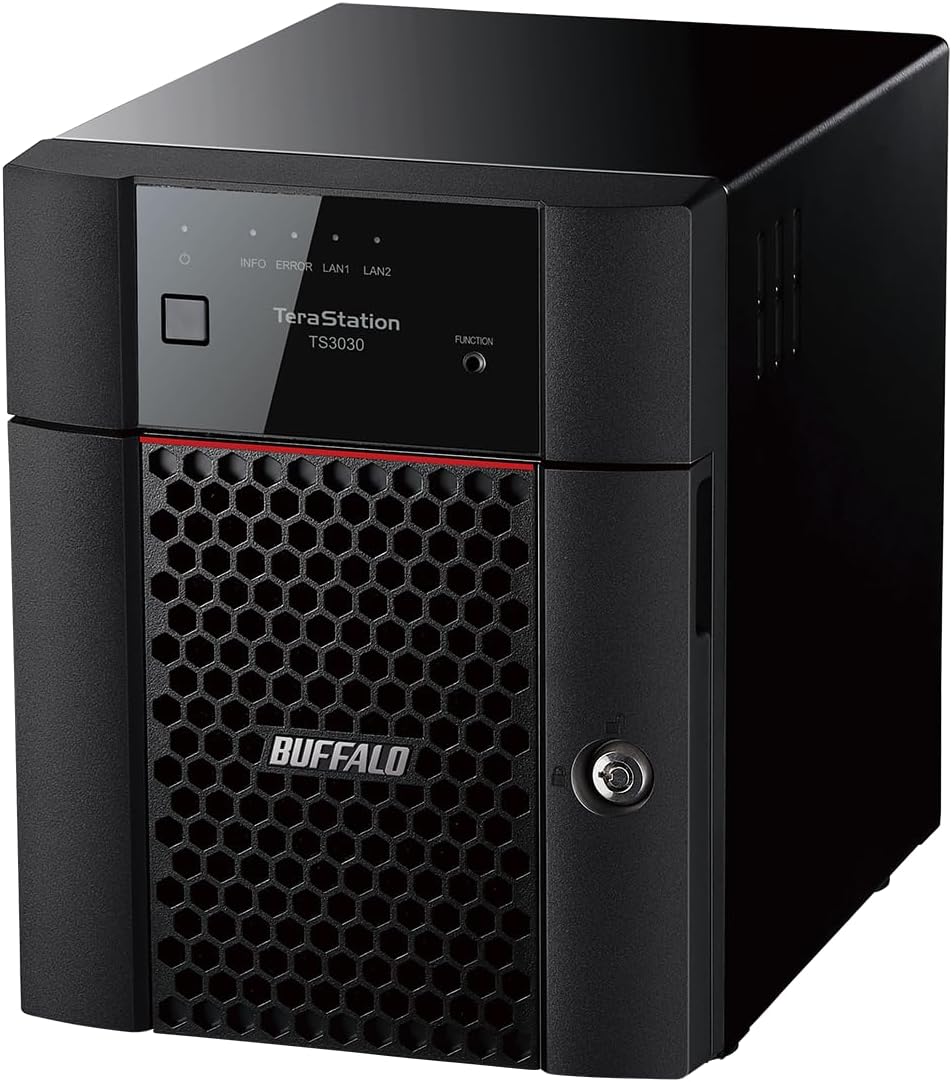
This model stands out as a full-scale professional network-attached storage solution designed to handle heavy data loads. With a rating reflecting strong user satisfaction, it offers advanced hardware and firmware for stability.
We may earn a commission when you buy through this link, at no additional cost to you.
Key strengths include the native 10GbE port for rapid file transfers without needing cable upgrades. It also features iSCSI support, allowing it to function as a network storage file server for virtual machines.
Trade-offs involve the higher cost compared to consumer models. However, for business environments needing reliable centralized storage and enterprise-grade security, these factors are acceptable.
It is ideal for small to medium businesses requiring robust data protection and fast access. The inclusion of hard drives and a 3-year warranty further solidifies its position as a top choice.
The closed system design reduces vulnerabilities from third-party apps while two-factor authentication adds an extra layer of security for sensitive business data.
Sync capabilities with services like Dropbox and Azure allow for versatile data backup strategies that combine local speed with remote redundancy.
We may earn a commission when you buy through this link, at no additional cost to you.
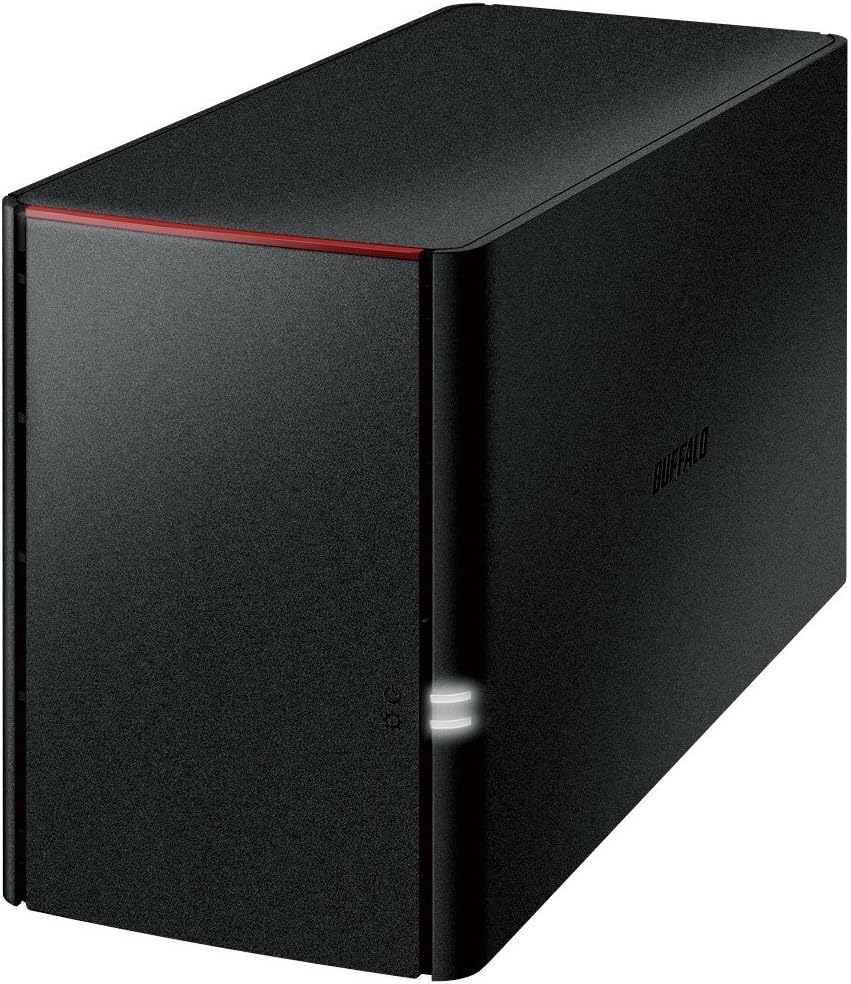
This device is a value-oriented NAS designed for home cloud and network storage needs. It features a closed system to reduce vulnerabilities and includes SSL encryption for secure file transfers.
We may earn a commission when you buy through this link, at no additional cost to you.
Its strengths lie in offering a subscription-free personal cloud experience. Users can store and back up videos, music, and photos without paying monthly fees.
The main trade-off is the single drive bay which limits RAID redundancy options. For users on a budget who prioritize simplicity and cost, this is a manageable compromise.
It suits home users looking for a straightforward way to back up multiple computers and devices. The 24/7 US-based support adds reliability for those who need assistance.
Users can centralize their data storage to avoid searching through different external drives or cloud accounts for their files.
Included NAS Navigator utility allows you to set up automated backups of data on your computers ensuring you never lose important files.
We may earn a commission when you buy through this link, at no additional cost to you.
This professional grade network attached storage is optimized to organize store share and back up everyday files. It offers a balance of performance and reliability for demanding home or office environments.
We may earn a commission when you buy through this link, at no additional cost to you.
Key strengths include the native 2.5GbE port for high speed file transfers without needing a cable upgrade. It ships in RAID 5 for redundancy but allows mode changes.
The price is higher than entry-level options but the included drives and warranty justify the investment. Users get peace of mind with data recovery service included.
It is best for households or small offices needing significant storage and fast local access. The ability to sync with cloud services enhances its flexibility for modern workflows.
Hard drives come included and RAID is pre-configured for hassle free out of the box protection without requiring technical expertise.
256-bit drive encryption and a closed system ensure your data remains safe from unauthorized access and external threats.
We may earn a commission when you buy through this link, at no additional cost to you.
This unit is a secure value personal cloud designed specifically for small office and home office environments. It optimizes storage sharing and backups for professional files.
We may earn a commission when you buy through this link, at no additional cost to you.
A standout feature is the Direct Copy function which allows backing up devices via USB without a computer. It also supports individual access restrictions for folders.
While it lacks the speed of higher-end models, it provides ample functionality for typical office needs. The secure file sharing tools ensure privacy when working with external contacts.
It is a solid choice for freelancers or small teams needing reliable network storage. The 3-year warranty and US-based support add value to this mid-range option.
Store and back up your media and access them from anywhere without paying any monthly storage charges.
You can choose between RAID 1 for automatic backup or RAID 0 to use the full 4 TB capacity depending on your priorities.
We may earn a commission when you buy through this link, at no additional cost to you.
This rackmount NAS is optimized to organize and back up files for IT environments requiring structured hardware placement. It offers a cost-effective professional grade solution.
We may earn a commission when you buy through this link, at no additional cost to you.
Key strengths include the native 2.5GbE port for high speed transfers and TAA compliance for government procurement. It ships with RAID 5 pre-configured for protection.
The rackmount nature may require specific infrastructure which limits home use. However for server rooms this design maximizes space efficiency and organization.
It is ideal for businesses that need a reliable storage node in a rack. The 24/7 support and data recovery service ensure minimal downtime during operations.
The 4-bay rackmount format allows for dense storage deployment in server closets without consuming excessive floor space.
Sync with various cloud providers to create a hybrid cloud for extra data security and flexible scalability.
We may earn a commission when you buy through this link, at no additional cost to you.
This model runs native Windows Server IoT 2025 offering storage workgroup edition capabilities directly out of the box. It is designed for small businesses already in the Microsoft ecosystem.
We may earn a commission when you buy through this link, at no additional cost to you.
The lack of required CALs reduces costs and complexity. It includes NovaBACKUP software for versatile professional-level server and PC backups which is rare at this price point.
The main trade-off is managing a full OS which requires more attention than a closed system. For IT admins comfortable with Windows, this offers deep integration.
It is best for environments needing Windows-native file services and backup automation. The included hardware and support simplify deployment for small office setups.
No CAL or Client Access Licenses are required making it a cost effective solution for small businesses with multiple users.
Windows Server data management and security features provide familiar tools for IT professionals to maintain the storage system.
We may earn a commission when you buy through this link, at no additional cost to you.
This device serves as an economical storage solution for small office and home office needs. It provides essential network attached storage capabilities for sharing files.
We may earn a commission when you buy through this link, at no additional cost to you.
Key strengths include DLNA support for streaming media and a straightforward setup process. It is designed for users needing basic connectivity without complex configurations.
The older hardware may lack speed and advanced security features found in newer models. However it remains a functional option for simple storage tasks.
It is suitable for budget users who primarily need file sharing and basic backups. The compact form factor fits easily into home office environments.
DLNA compatibility allows you to stream music and videos directly to compatible devices on your network.
Setup is as simple as plugging into a router for instant network storage accessible by anyone with internet service.
We may earn a commission when you buy through this link, at no additional cost to you.
This desktop NAS offers a small office home office economical storage solution with hard drives included and RAID pre-configured. It provides accessible network storage without technical expertise.
We may earn a commission when you buy through this link, at no additional cost to you.
It stands out for bundling business-level server PC backup and data recovery software which enhances its value proposition. Free personal cloud access allows remote file access.
The older design limits high-speed transfers and modern security protocols. Users should weigh the convenience against the lack of newer hardware capabilities.
It is ideal for those transitioning from external hard drives to network storage. The included software and support help ensure a smooth transition to centralized storage.
Free personal cloud for access to files from any PC and Mac computer tablet and smartphone without extra subscriptions.
Business-level server PC backup and data recovery software bundled helps protect your files against accidental loss.
We may earn a commission when you buy through this link, at no additional cost to you.
This series is tailored for those needing capacity beyond smartphones and PCs. It offers a mirroring function to protect important data from drive failure.
We may earn a commission when you buy through this link, at no additional cost to you.
Its strengths lie in the compact size and focus on personal data protection. Users can enjoy more TV programs and store important photos securely.
The mirroring function reduces usable capacity which may limit users needing large single volumes. It is best for those prioritizing safety over raw space.
It is suitable for home users wanting to centralize smartphone and PC data. The included LAN cable and manual make setup straightforward for most users.
The mirroring function protects family photos and music from loss due to drive failure by keeping two copies.
If you do not want to lose important data when the HDD is broken this device provides essential redundancy.
We may earn a commission when you buy through this link, at no additional cost to you.
This is a premium desktop attached storage device ideal for creative professionals and consumers needing large local capacity. It connects via USB 3.2 for universal connectivity.
We may earn a commission when you buy through this link, at no additional cost to you.
Key strengths include hot swap capabilities allowing drive replacement without powering down the device. Time Machine support offers scheduled backups for protecting Mac computers.
It lacks full network features compared to traditional NAS devices making it less suitable for multi-user environments. However it offers simplicity for single-machine storage.
It is best for users prioritizing speed and large local capacity over network sharing. The included software supports automatic backups for your PC or office server.
Ideal for creative professionals needing fast access to large video or image files directly on their workstations.
Hot swap feature allows a user to replace a hard drive in the event of failure without powering down the device.
We may earn a commission when you buy through this link, at no additional cost to you.
Choosing the right NAS involves balancing capacity speed security and budget to match your specific environment and needs.
Capacity is the primary factor when selecting a NAS. Devices range from a few terabytes to dozens which means you must estimate your current and future data needs. Consider file types like video files that consume more space than text documents.
Always aim for higher capacity than you currently need to accommodate growth without requiring immediate hardware upgrades.
Network ports determine how fast you can transfer files. Gigabit Ethernet is standard but 2.5GbE or 10GbE ports offer faster speeds for large file operations. Ensure your router supports these speeds to maximize performance.
Higher network speeds are essential for professional workflows or heavy data transfer needs compared to basic home sharing.
RAID configurations protect data from drive failure. RAID 1 mirrors data on two drives while RAID 5 allows data recovery if one drive fails. Check if the device comes with pre-configured RAID options.
Prioritize RAID setups that match your tolerance for data loss and the criticality of the stored information.
Security is vital for protecting sensitive files. Look for features like drive encryption SSL support and closed systems that reduce vulnerabilities. Two-factor authentication adds another layer of protection.
Choose models with strong encryption options if you handle business confidential or private data regularly.
Most NAS devices use proprietary OS but some offer Windows Server options for better integration. Decide if you need a closed system or a more open OS for custom applications.
Windows Server options are useful if your infrastructure relies heavily on Microsoft services and directory management.
Hybrid cloud capabilities allow you to sync with services like Amazon S3 or Azure. This creates a backup layer outside your physical location for disaster recovery.
Look for models that support major cloud providers to ensure compatibility with your existing backup strategies.
A good warranty covers hardware failures and drive issues. US-based support is crucial for quick resolution of technical problems. Check the length of the warranty and what it covers specifically.
Opt for devices with at least a three-year warranty to ensure long-term reliability and peace of mind.
Consider whether you need a desktop unit or a rackmount model. Desktop units are easier to place at home while rackmount devices save space in server rooms.
Select the form factor that fits your physical space constraints and organizational preferences.
Connect the NAS to your router via Ethernet and ensure it receives a stable power supply. Install any required software like NAS Navigator on your computers to manage the device.
Configure your RAID settings and create user accounts to control access. Regularly check the health status of hard drives through the web interface to prevent failures.
Place the device in a cool well-ventilated area to avoid overheating. Keep the firmware updated to benefit from security patches and performance improvements.
A NAS is a Network Attached Storage device that provides centralized data storage accessible by multiple devices over a network. You need one to consolidate files backup data automatically and share resources securely without relying on single computers.
Most models in this guide come with hard drives included pre-tested and pre-configured. This simplifies setup and ensures compatibility. However some older or specific external units may require separate drive installation.
Yes most Buffalo NAS devices offer remote access via their apps or cloud services. This allows you to retrieve files when outside your home or office network securely.
With RAID configurations like RAID 1 or 5 the system can continue operating or recover data if a drive fails. You should replace the faulty drive and rebuild the array to restore redundancy.
Many models offer plug-and-play setup with wizard tools. Basic technical skills are needed to configure network settings and user permissions but detailed guides are provided to assist.
Use built-in backup features to sync with cloud services or external drives. Regular backups ensure your data remains safe from local hardware failures or security threats.
Most desktop NAS units allow drive upgrades but this may require reformatting or RAID reconfiguration. Check specific model compatibility before purchasing additional drives.
Buffalo devices typically offer subscription-free personal cloud access so you do not pay monthly fees to store your files on the device itself. Optional third-party cloud syncs may have their own costs.
We have explored ten top-rated Buffalo NAS devices ranging from budget-friendly options to professional solutions. Each model offers unique benefits tailored to different storage needs.
Prioritize capacity network speed and security features based on your environment. A reliable unit with strong support ensures your data remains safe and accessible.
Remember to check current configurations and availability as details may vary. Selecting the right device today sets the foundation for a secure and efficient storage infrastructure.