
Amazon Basics Condenser Microphone
4.4Editor score
Affordable price point
Cardioid pickup pattern
Plug and play setup
Finding a cheap podcast microphone does not mean sacrificing sound quality for your content. Many creators need reliable audio tools that fit tight budgets while still delivering professional results for listeners.
We evaluated ten top-rated USB microphones based on sound clarity, build quality, and ease of use. Each pick offers unique features like noise cancellation or RGB lighting to suit different recording needs.
Each section highlights key specs and real-world performance to help you decide quickly. Prices and availability may change, so verify current details before making your final purchase decision online.
4.4Editor score

4.4Editor score

4.6Editor score
As an Amazon Associate we earn from qualifying purchases.
This side-by-side comparison helps you evaluate the top ten affordable microphones available today. Review the specs and features to find the perfect match for your studio setup.




The ZealSound Podcast Microphone delivers strong performance for its price. Its 4.4 rating highlights consistent quality for streamers and podcasters seeking clarity.
We may earn a commission when you buy through this link, at no additional cost to you.
Key strengths include its intelligent noise reduction mode which filters background noise like fans. Real-time zero-latency monitoring helps you hear your voice instantly without delay.
Trade-offs include less focus on gaming aesthetics compared to RGB models. However, the stable metal base and professional controls ensure reliability for content creation.
Buy this if you need a versatile tool for PC and mobile recording. It offers the best balance of features for creators needing professional results.
This feature effectively reduces clicks and hum during recording.
Included adapters ensure seamless connection with iPhones and iPads.
We may earn a commission when you buy through this link, at no additional cost to you.
The Amazon Basics Condenser Microphone is a solid choice for those on a strict budget. It maintains a 4.4 rating due to its reliable and consistent performance for basic needs.
We may earn a commission when you buy through this link, at no additional cost to you.
Its 14mm diaphragm captures clear sound suitable for voice recording and streaming. The cardioid pattern helps isolate your voice from background noise effectively.
Trade-offs include fewer advanced controls compared to pricier models. However, the included shock absorber and 360-degree stand provide essential stability for desktop use.
Choose this if you need a simple, affordable tool to start recording immediately. It is ideal for beginners or casual creators with minimal setup requirements.
No drivers are needed, making installation quick and simple.
Focuses on your voice while reducing ambient noise significantly.
We may earn a commission when you buy through this link, at no additional cost to you.
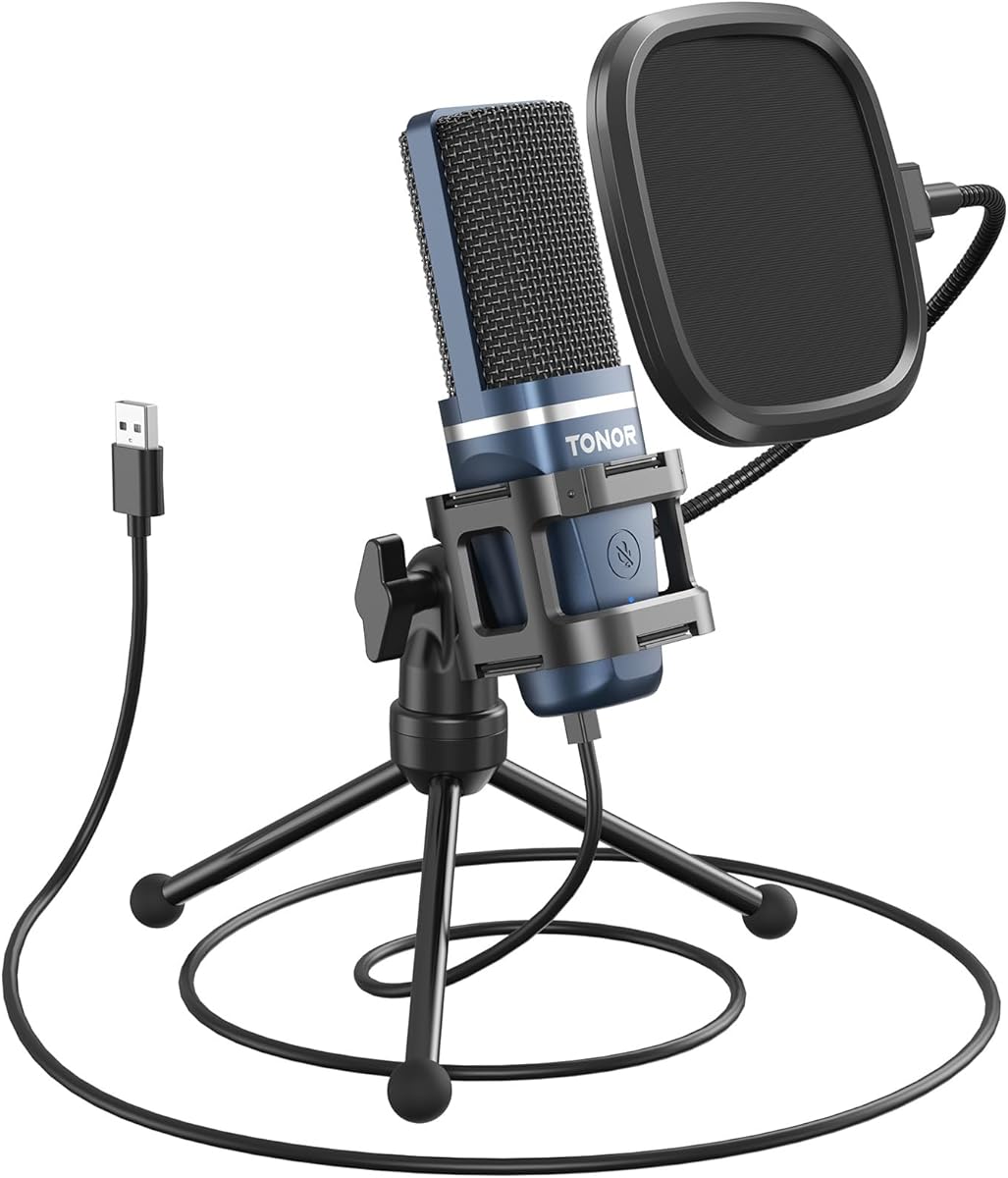
The TONOR Podcast Microphone offers a great starting point for home recording. It has a 4.3 rating reflecting its dependable performance for voice and chat applications.
We may earn a commission when you buy through this link, at no additional cost to you.
Key features include a non-slip stand and included accessories like a shock mount. The one-click mute and volume controls allow easy management during active recording sessions.
Trade-offs involve a simpler build compared to metal microphones. Despite this, its compatibility with gaming consoles and computers ensures broad usability for casual users.
Buy this if you need a complete kit for voice and gaming. It provides good value for beginners looking for immediate, hassle-free audio quality.
Includes essential accessories to set up quickly without extras.
Works seamlessly with PS4 and PS5 for game chat.
We may earn a commission when you buy through this link, at no additional cost to you.
The FIFINE K669B USB Microphone stands out for its durable metal construction. Its 4.5 rating indicates high customer satisfaction regarding its clear and robust performance.
We may earn a commission when you buy through this link, at no additional cost to you.
Key strengths include a dedicated mic volume knob for precise sound control. The cardioid condenser capsule captures your voice smoothly while reducing background noise effectively.
Trade-offs include the lack of a built-in headphone jack for monitoring. However, its simple USB-powered design makes it easy to use for meetings and voiceovers.
Choose this if you prioritize build quality and clear voice output. It is an excellent choice for professionals needing a sturdy mic for daily calls.
Adjust your mic volume separately for precise audio tuning.
Solid metal construction ensures longevity during heavy use.
We may earn a commission when you buy through this link, at no additional cost to you.
The FIFINE AmpliGame AM8 offers unique versatility with both USB and XLR connections. Its 4.5 rating reflects strong performance for gaming and vocal recording needs.
We may earn a commission when you buy through this link, at no additional cost to you.
Key strengths include its dynamic capsule that resists background noise during loud sessions. The RGB ring adds a modern aesthetic to your gaming setup.
Trade-offs involve the XLR cable being sold separately for advanced setups. However, the included USB functionality makes it ready to use right out of the box.
Buy this if you plan to upgrade your audio interface later. It is ideal for gamers and streamers wanting flexible connectivity and style.
Use USB for now or upgrade to XLR for professional audio.
Lighting modes help match your gaming rig aesthetic.
We may earn a commission when you buy through this link, at no additional cost to you.
The Logitech Creators Blue Yeti remains a top-tier choice for high-quality streaming. It holds a 4.6 rating thanks to its legendary broadcast sound and versatile controls.
We may earn a commission when you buy through this link, at no additional cost to you.
Key strengths include four distinct pickup patterns for any recording scenario. The Blue VO!CE software provides advanced vocal effects for a polished professional sound.
Trade-offs include a larger footprint and higher price point. However, its adjustable stand and detailed audio controls justify the investment for serious creators.
Choose this if you seek the best quality for professional production. It is perfect for streamers and podcasters needing reliable, studio-grade audio.
Switch between cardioid and stereo to suit any recording need.
Enhance your voice with real-time software processing.
We may earn a commission when you buy through this link, at no additional cost to you.
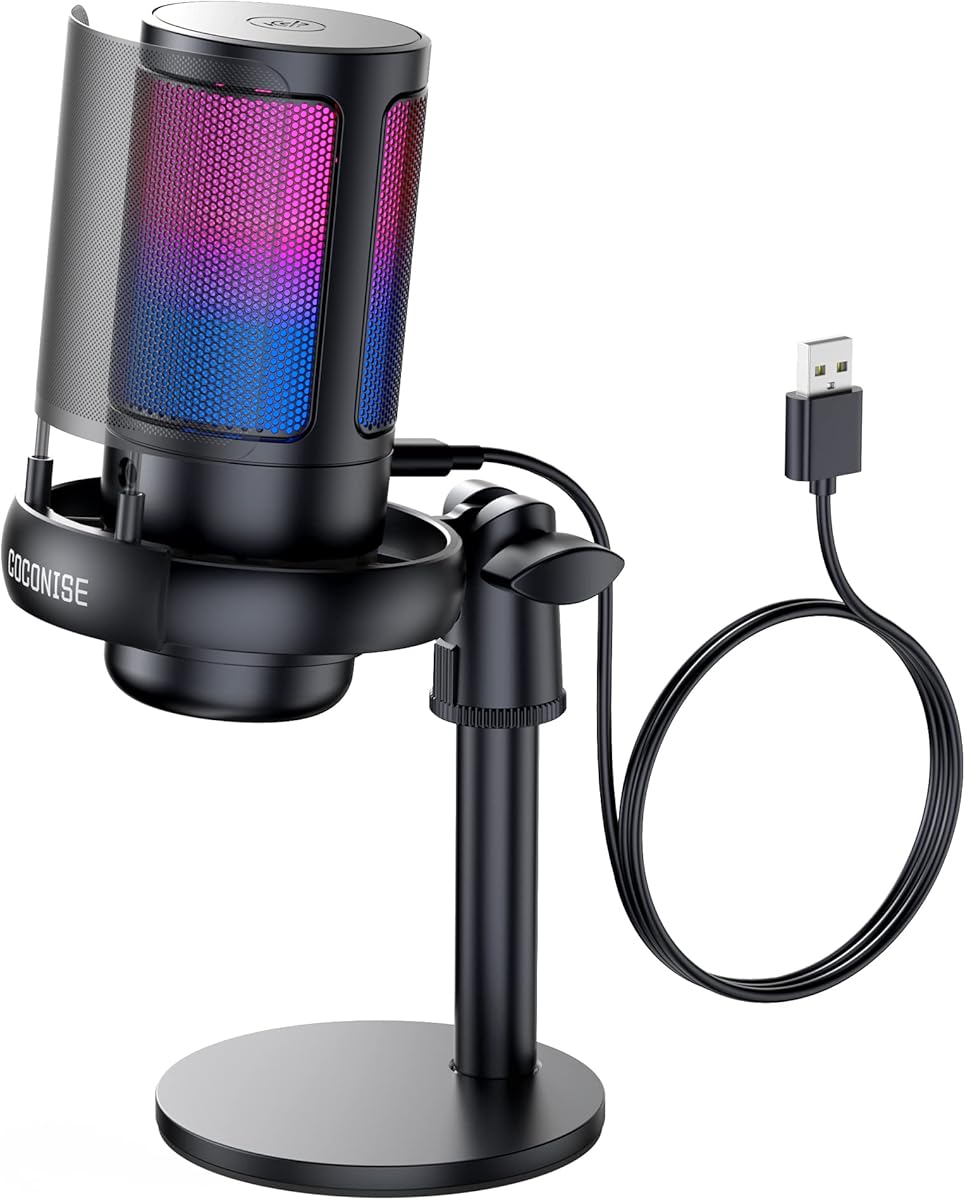
This Gaming Microphone for PC combines style with functionality for gamers. Its 4.3 rating suggests reliable performance for chat and light content creation tasks.
We may earn a commission when you buy through this link, at no additional cost to you.
Key features include cyclic RGB lights that indicate mute status for safety. The metal pop filter effectively reduces plosive sounds during energetic gaming sessions.
Trade-offs include potentially distracting lights for quiet recording environments. However, its solid steel base ensures stability even during intense movement.
Buy this if you want a mic that matches your gaming setup. It is ideal for streamers needing clear audio and visual flair.
Lights turn off to show you are safely muted.
Capture audio with up to 192kHz sampling precision.
We may earn a commission when you buy through this link, at no additional cost to you.
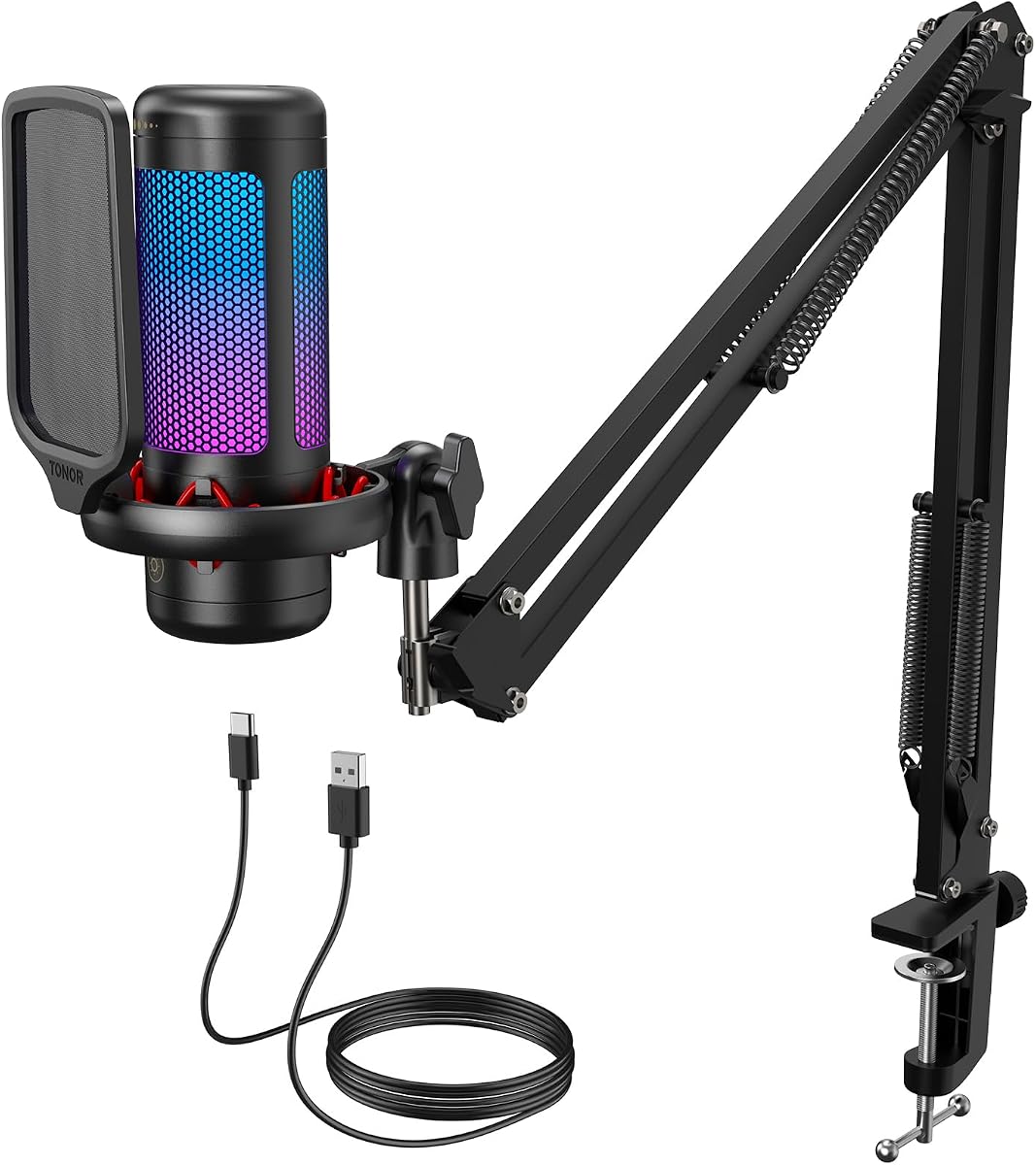
The TONOR TC310+ offers a complete audio kit for content creators. With a 4.5 rating, it delivers clear sound and professional flexibility for streaming.
We may earn a commission when you buy through this link, at no additional cost to you.
Key strengths include a metal boom arm that saves desk space effectively. The pure sound reproduction ensures smooth communication for your team during sessions.
Trade-offs involve some assembly time for the boom arm setup. However, the included clamp and adjustable joints provide precise positioning for any desk.
Choose this if you need a fully equipped desktop solution. It is perfect for streamers wanting a professional look and sound.
Includes all hardware to mount the mic securely above your desk.
Adjust RGB brightness to avoid eye strain during long sessions.
We may earn a commission when you buy through this link, at no additional cost to you.
The MAONO A04 stands out with professional sound chipset specs. It holds a 4.5 rating for its high-resolution recording capabilities for studio quality.
We may earn a commission when you buy through this link, at no additional cost to you.
Key features include 192kHz/24-bit sampling for smooth audio reproduction. The adjustable scissor arm stand ensures flexible positioning for any desk space.
Trade-offs include a basic shock mount compared to premium brands. However, the comprehensive kit makes it a strong value for vocal and voice-over work.
Buy this if you prioritize high resolution audio on a budget. It is ideal for podcasters needing clear, detailed sound.
192kHz sampling ensures smooth, high-fidelity sound quality.
The scissor arm allows precise positioning above your desk.
We may earn a commission when you buy through this link, at no additional cost to you.
The FIFINE AmpliGame A6V is an award-winning gaming microphone. It earns a 4.5 rating for its detailed audio and practical design features.
We may earn a commission when you buy through this link, at no additional cost to you.
Key strengths include a quick mute button to prevent audio accidents. The 192kHz sampling rate delivers natural audio clarity for your team.
Trade-offs involve a basic physical build compared to metal stands. However, the included shock mount and tripod ensure stability for daily gaming use.
Choose this if you want a stylish, reliable mic for streaming. It is ideal for gamers needing clear audio and visual appeal.
Tap to mute instantly to prevent embarrassing outbursts.
Automatic color cycling enhances your gaming rig aesthetic.
We may earn a commission when you buy through this link, at no additional cost to you.
Choosing the right microphone involves weighing several factors to fit your specific needs and environment.
The pickup pattern determines which directions the mic captures sound. Cardioid mics focus on your voice and block side noise, making them ideal for podcasting.
Look for cardioid patterns to isolate your voice from room acoustics effectively.
Most cheap microphones use USB for direct connection to your computer. XLR options may require an interface, adding cost but improving future upgrade potential.
Stick to USB for plug-and-play simplicity and cost efficiency.
Metal construction often means better durability and less unwanted vibration noise. Plastic models may be lighter but can be more prone to breakage over time.
Prioritize metal bases for long-lasting stability on your desk.
Digital noise reduction helps filter out fans or background hum during recording. Some models offer physical isolation, while others rely on software processing.
Choose features that match your specific environment noise levels.
Real-time monitoring allows you to hear yourself without latency. This feature ensures you do not miss issues like clipping during recording.
Ensure the mic has a headphone jack if you need instant feedback.
Controls like gain knobs and mute buttons add convenience. RGB lighting may appeal to gamers but often increases power usage and cost.
Focus on essential audio controls rather than decorative lighting.
Look for kits that include stands or shock mounts. Missing accessories often mean extra spending to get the same quality.
Check what comes in the box before making your final decision.
Verify the microphone works with your operating system and consoles. Most support PC and Mac, but some may not support Xbox.
Confirm system requirements to avoid connection issues.
Connect the microphone to a USB port and ensure your software recognizes it. Adjust the gain knob to prevent clipping during loud speaking.
Position the mic about 4 to 6 inches from your mouth. Use the included shock mount to reduce keyboard vibrations.
Store the microphone in a dry place and clean the grille regularly. Keep the USB cable coiled to prevent damage over time.
Yes, many affordable USB microphones deliver excellent quality suitable for professional podcasting. Models with cardioid patterns and metal build ensure reliable sound without needing expensive interfaces.
Not for USB models since they connect directly to your PC. XLR microphones require an interface for sound processing but offer more flexibility later.
Use a mic with a cardioid pattern and place it close to your mouth. Software noise suppression in recording apps also helps filter out unwanted sounds.
Condenser mics capture more detail and suit quiet rooms. Dynamic mics are robust and better for noisy environments.
Many USB microphones work with iPhones and Android devices using adapters. Check if the product includes a Lightning or USB-C adapter for mobile use.
Most microphones are plug-and-play without extra drivers. Recording apps like Audacity or OBS work directly with these devices.
We highlighted top options like the ZealSound and Amazon Basics for clear audio. Each model offers specific features like noise reduction or RGB to suit different styles.
Prioritize connectivity and build quality to ensure longevity. If you need versatility, consider mics with shock mounts and adjustable stands.
Always verify current prices and compatibility before buying. Your choice should align with your recording goals and environment.