
VAYDEER Volume Control Knob
4.5Editor score
One click mute function
Driver free plug and play
Sturdy metal shell design
We compare the top Bluetooth Volume Control Knob models for 2026 to help you choose the best wireless audio dial for your desktop setup.
Modern desktop setups demand intuitive control over media without interrupting workflow. A Bluetooth Volume Control Knob offers tactile precision for volume, playback, and shortcuts. These devices streamline audio management across phones, tablets, and computers with seamless connectivity and customizable functions.
We evaluated ten leading models based on connectivity options, build quality, and feature sets. Each product was assessed for compatibility with major operating systems and ease of use. Our analysis highlights versatility, battery life, and ergonomic design to ensure you find the perfect fit for your workspace.
Each pick below showcases unique strengths like macro programming, RGB lighting, or durable metal construction. We include pros and cons to help you weigh trade-offs. Prices and availability change frequently, so check current listings before purchasing to ensure you get the best value available today.
4.5Editor score

4.7Editor score

3.8Editor score
This table provides a side by side overview of all ten selected models. It highlights key specifications such as connectivity type, battery life, and material construction to help you quickly compare features and find the ideal control knob for your specific needs.


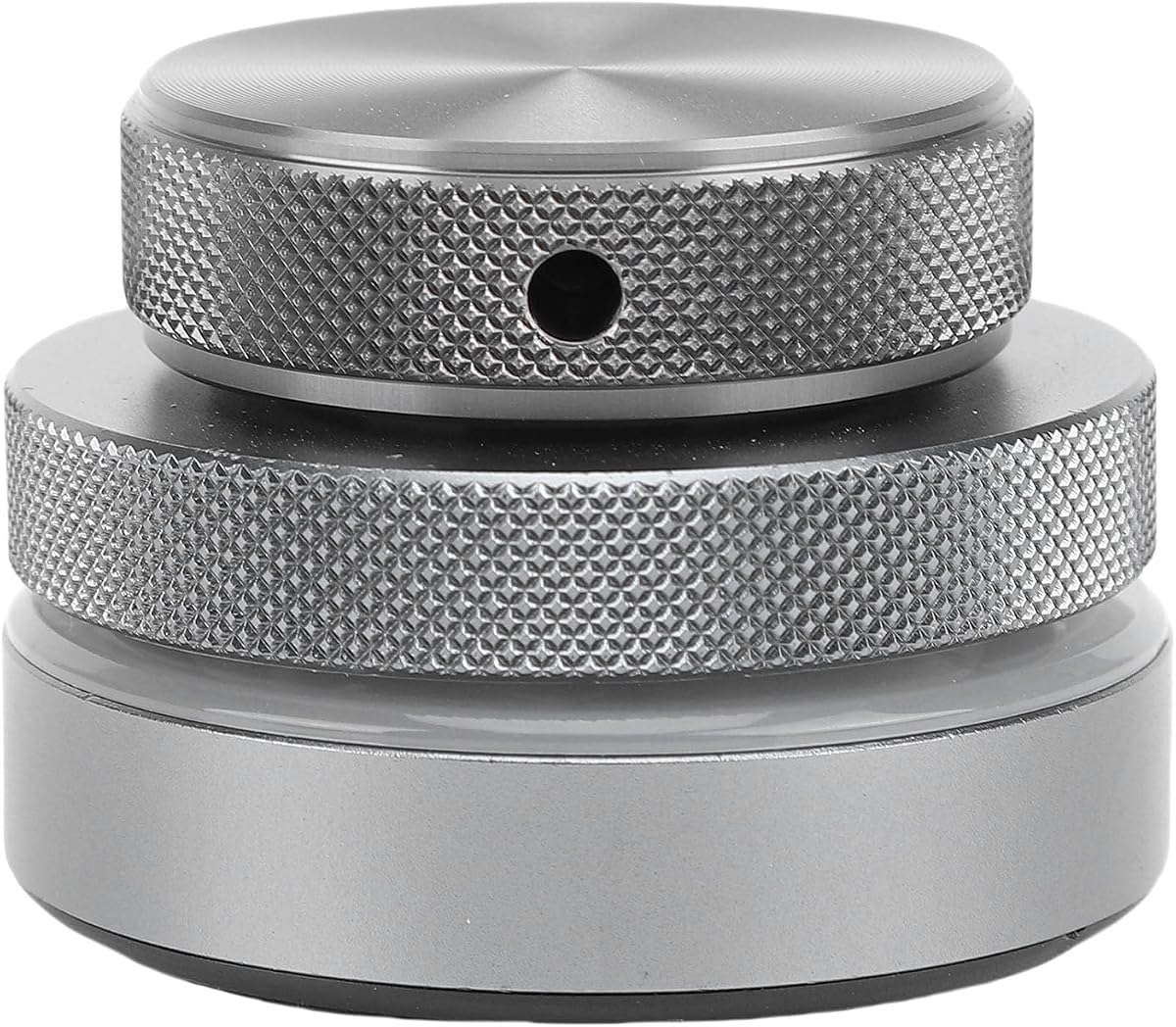
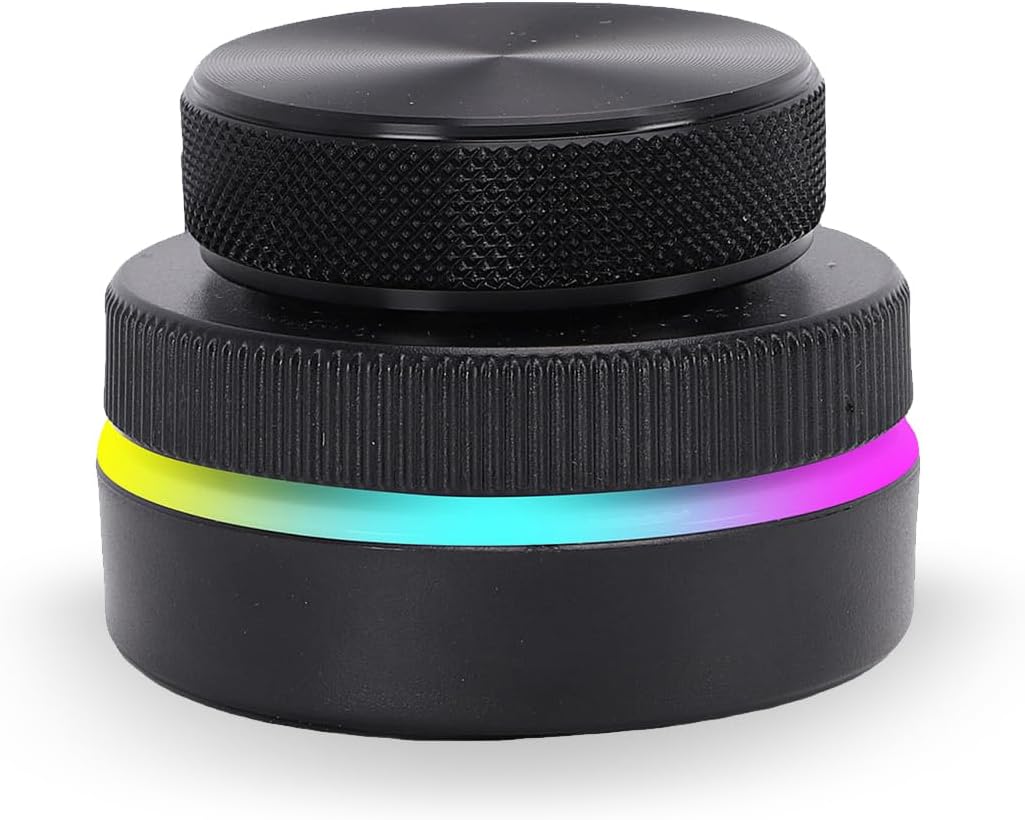
The LICAEVEY Volume Control Knob stands out as a top choice for users seeking deep customization and reliable performance. With a rating of 4.7, it combines flexibility with a robust feature set. The ability to map complex shortcuts to a single rotation or press makes it invaluable for professionals.
We may earn a commission when you buy through this link, at no additional cost to you.
Its support for Bluetooth, 2.4G, and USB C ensures you can connect to almost any device without hassle. The 360-degree infinite rotation shaft provides a satisfying tactile experience that feels durable over long periods. Additionally, the built-in 400mAh battery keeps it running for days without needing a recharge.
While the initial setup for macros might take a few minutes, the time saved later is significant. Some users might find the RGB lighting unnecessary for work environments, but it can be adjusted or turned off. These minor trade-offs do not outweigh the productivity gains this device offers.
If you spend hours on your computer managing media or navigating documents, this knob is a worthwhile investment. It transforms how you interact with your system, reducing reliance on keyboard shortcuts. We recommend it for anyone looking to streamline their daily digital workflow efficiently.
Customizable shortcuts allow you to launch apps or control playback with a single turn.
Switch seamlessly between Bluetooth for phones and USB C for stable desktop control.
We may earn a commission when you buy through this link, at no additional cost to you.
The Anticater VK-01 is designed for users who want a premium feel without sacrificing cross-platform utility. Its professional-grade desktop design features a textured grip that ensures precision adjustments. While the rating is lower, the build quality appeals to those who value aesthetics and durability.
We may earn a commission when you buy through this link, at no additional cost to you.
You can assign any function using its macro software, which opens up creative possibilities for content creators. The triple-mode connectivity allows you to choose between Bluetooth, 2.4 GHz, or USB-C depending on your latency needs. This flexibility is rare at this price point.
However, some users may find the software slightly complex to configure initially. The rating reflects mixed experiences with connectivity stability, so testing with your specific devices is advisable. Despite this, the potential for customization makes it a strong contender for specific workflows.
This knob is ideal for users who need a reliable physical interface for volume control on both Mac and Windows. If you are willing to spend time setting up macros, the payoff in efficiency is substantial. Consider it if you want a metal dial that looks great on your desk.
The CNC aluminum design offers a high-end look that complements modern office setups.
Macro software lets you tailor every click and turn to match your specific habits.
We may earn a commission when you buy through this link, at no additional cost to you.
The Jiawu USB Volume Control Knob offers an affordable entry into programmable audio control. With its modern Bluetooth 5.1 chip, it promises stable connections for devices that support the latest standards. The aluminum alloy construction adds a touch of quality that exceeds typical budget peripherals.
We may earn a commission when you buy through this link, at no additional cost to you.
You can customize up to five functions, making it versatile for quick tasks like muting or skipping tracks. The RGB lighting adds a personalized flair to your setup, which tech enthusiasts often appreciate. It connects via Bluetooth or USB for flexible usage depending on your preference.
Since there are no verified ratings, you may be taking a slight gamble on long-term durability. However, the feature set is robust for the price. If you need a reliable controller without spending a lot, this device delivers core functionality without unnecessary bells and whistles.
This knob is perfect for those who want to upgrade their audio control without breaking the bank. It suits smaller desks where space is at a premium but functionality is key. We suggest trying it out to see if the programming aligns with your workflow needs.
Get essential programmable features at a price that is hard to beat.
Bluetooth 5.1 ensures better range and stability for your paired devices.
We may earn a commission when you buy through this link, at no additional cost to you.
The Razer Wireless Control Pod is designed for users deeply invested in the Razer ecosystem. It allows instant battlestation customization, from remapping keys to adjusting Chroma brightness. For gamers or streamers, this device offers a level of control that standard knobs cannot match.
We may earn a commission when you buy through this link, at no additional cost to you.
Its advanced audio control lets you cycle through EQ presets and remap functions via the Razer Audio App. The durable aluminum alloy build ensures it can withstand daily wear and tear on a busy desk. The textured grip provides a satisfying tactile feel during adjustments.
While it works best with Razer hardware, it can still function as a standalone controller. The battery life is impressive, lasting up to eight months on two AAA batteries. The main drawback is the cost, which is higher than generic alternatives, but the software support justifies the price for many.
If you want a high-end device that enhances your gaming or streaming setup, this is the top choice. It combines functionality with the visual appeal of Chroma lighting. We recommend it for users who want seamless integration with their existing audio gear.
Sync lighting effects with your setup for a cohesive aesthetic experience.
Adjust EQ and settings without opening complex software interfaces.
We may earn a commission when you buy through this link, at no additional cost to you.
The Bluetooth Volume Control Knob in Silver prioritizes stability and battery efficiency. With an upgraded Bluetooth 5.3 chip, it offers instant pairing and minimal lag when adjusting volume or switching songs. The zinc alloy construction ensures a solid, premium feel that resists wear.
We may earn a commission when you buy through this link, at no additional cost to you.
Its battery life is a standout feature, offering up to 90 days of standby on a full charge. This reduces the need for frequent recharging, making it ideal for users who want a set-it-and-forget-it experience. The RGB lighting enhances your desk setup with vibrant colors.
While the rating is moderate, the core functions of volume and playback control work reliably. The design is compact and portable, allowing you to take it between home and office easily. It is a practical choice for daily desktop audio control without complex setup.
We suggest this model if battery longevity is a priority for your workflow. It simplifies audio control and removes the frustration of frequent tapping on keyboard shortcuts. Check current availability to ensure you get the specific color and version you prefer.
Enjoy weeks of use on a single charge thanks to optimized power management.
Bluetooth 5.3 ensures your connection remains stable across various devices.
We may earn a commission when you buy through this link, at no additional cost to you.
The VAYDEER Volume Control Knob excels in simplicity and ease of use. With a 4.5 rating, it is a trusted option for those who want plug-and-play functionality. It supports Windows and Mac without needing any drivers, making it accessible for all users.
We may earn a commission when you buy through this link, at no additional cost to you.
The one-click mute function is a favorite feature, allowing you to stop playback instantly. The sturdy metal shell and solid rotary shaft ensure durability. The anti-slip base keeps it steady on your desk, preventing accidental movement during adjustments.
While it is wired, this limitation ensures zero latency and consistent power. It is an ideal gift for festivals or loved ones who enjoy music and tech. If you prefer a no-fuss experience without complex software, this knob delivers exactly what you need.
We recommend this for users who value reliability over advanced features. It is a fantastic budget option that does not compromise on build quality. Check the latest product details to confirm compatibility with your specific operating system.
No drivers or software are needed; just plug it in and start rotating.
The metal shell and heavy base ensure it lasts through years of use.
We may earn a commission when you buy through this link, at no additional cost to you.
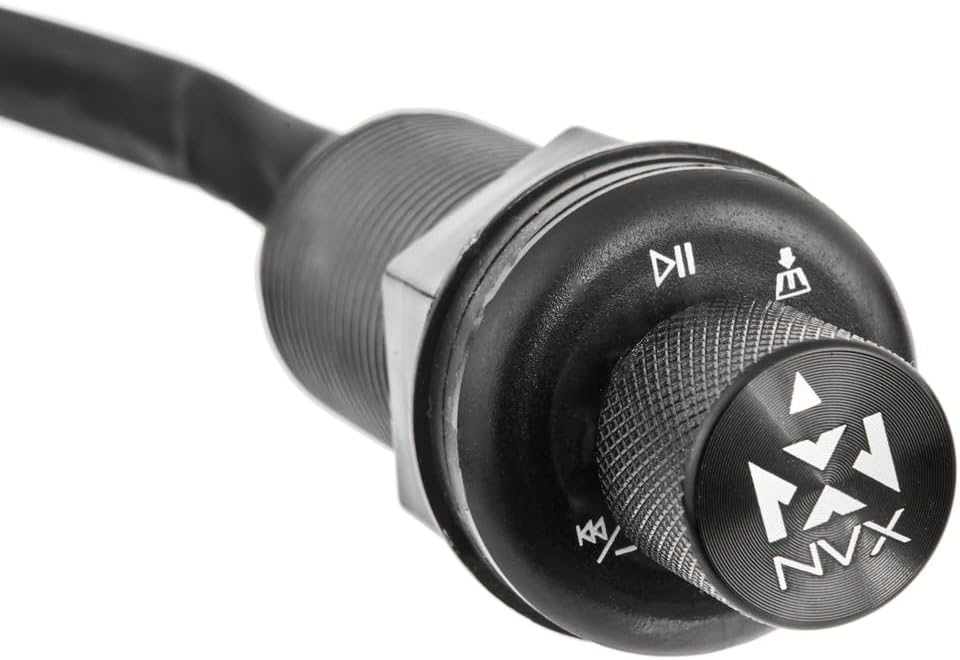
The NVX Universal Bluetooth Audio Receiver is unique because it targets car audio integration. It allows you to add Bluetooth capabilities to any device with an AUX input. This makes it a practical solution for older vehicles that lack modern connectivity features.
We may earn a commission when you buy through this link, at no additional cost to you.
One knob controls volume, track selection, and playback, simplifying in-car media management. It is ready for iPhone, Android, and other Bluetooth devices. The mounting options let you install it flush in the dash or under the dash for a clean look.
While it lacks the advanced programmability of desktop models, it serves a specific niche well. The build is durable enough for daily driving conditions. If you need to upgrade your car's media experience without a full head unit replacement, this is a strong candidate.
We suggest this for car enthusiasts or those upgrading older audio systems. It bridges the gap between modern phones and legacy audio hardware. Verify the mounting dimensions before purchasing to ensure it fits your specific dashboard layout.
Add modern Bluetooth control to cars with standard AUX inputs easily.
Manage playback without looking at your phone while driving.
We may earn a commission when you buy through this link, at no additional cost to you.
This Volume Control Knob offers a balanced approach with both wireless and wired options. The 2.4G wireless connection provides a stable experience up to 33 feet. When you need absolute precision, the USB-C wired mode offers zero lag for critical tasks.
We may earn a commission when you buy through this link, at no additional cost to you.
The ergonomic design ensures comfortable all-day use, with a smooth aluminum-alloy knob that fits well in hand. It works across major operating systems including Windows, macOS, and iOS. The vibrant RGB light adds an immersive atmosphere to your workspace or gaming station.
Since this is a newer product, there are fewer user reviews to verify long-term performance. However, the feature set suggests it is built for reliability. It is a great choice for those who want the flexibility to switch modes depending on their current activity.
We recommend this model for users who prioritize both mobility and precision. Whether you are gaming or working, the dual modes cover all bases. Check the current listing to ensure you are getting the latest firmware version available.
Toggle between wireless freedom and wired precision instantly.
The ergonomic shape prevents hand fatigue during long usage sessions.
We may earn a commission when you buy through this link, at no additional cost to you.
This Bluetooth 5.1 USB Volume Control Knob stands out for its app-based programmability. You can customize up to five functions using clockwise or counter-clockwise rotation. This level of detail allows for complex commands without needing a keyboard.
We may earn a commission when you buy through this link, at no additional cost to you.
The one key mute feature simplifies audio management, while the customizable RGB lighting adds visual flair. It supports both Bluetooth and USB connection, ensuring you can stay connected regardless of your device status. The aluminum finish enhances the overall look of your setup.
The app dependency can be a pro or con depending on your preference for software. If you enjoy tweaking settings, this is a major advantage. However, if you prefer hardware-only solutions, this might add an extra step to your setup process.
We suggest this for users who want precise control over their shortcuts. It is versatile for audio control and other tasks. Verify the app requirements to ensure it supports your current operating system before purchasing.
Use the app to map specific commands to rotation directions.
RGB lighting provides visual cues for your current settings.
We may earn a commission when you buy through this link, at no additional cost to you.
The VBESTLIFE USB Volume Control Knob offers broad compatibility across many platforms including HarmonyOS and iOS. This makes it a flexible choice for users with diverse devices. The built-in memory stores customized key mappings, ensuring your settings persist without reconfiguration.
We may earn a commission when you buy through this link, at no additional cost to you.
Its multi-function capability includes multimedia control and presentation navigation. The 360-degree rotation ensures smooth and accurate adjustments. With three connection modes including BT5.0 and USB-C, it adapts to your current needs seamlessly.
While the rating is lower, the breadth of supported operating systems is impressive. The battery supports continuous work without frequent replacement. If you need a controller that works across different ecosystems, this model is worth considering despite the mixed reviews.
We recommend this for users who switch between multiple devices regularly. It simplifies repetitive tasks across applications. Check the compatibility list carefully to ensure it works with your specific operating system version.
Support for many operating systems including HarmonyOS expands your options.
Your customized settings are saved locally for instant recall.
We may earn a commission when you buy through this link, at no additional cost to you.
Choosing the right Bluetooth Volume Control Knob involves evaluating several factors to ensure it meets your specific needs. We have outlined the key aspects to consider before making a purchase.
Most models support Bluetooth, 2.4G wireless, or USB-C wired modes. Bluetooth offers freedom from cables, while wired modes provide zero-latency performance. Check if your device supports the required protocol for seamless connection.
Ensure the chosen connectivity matches your primary use case. If you need stability for gaming, a wired or 2.4G mode might be better. For office work, Bluetooth is usually sufficient and more convenient.
Materials like aluminum alloy and zinc alloy provide durability and a premium feel. Look for textured grips and non-slip bases to ensure comfort during long sessions. A sturdy build also means the device will withstand daily wear and tear.
Opt for models with solid construction if you plan to move the knob frequently. Metal bodies generally last longer than plastic ones and offer a more satisfying tactile experience when adjusting settings.
Some knobs allow you to map specific functions to rotations or presses. This feature is ideal for power users who want to automate workflows. Check if the software is user-friendly and supports your operating system.
If you value customization, look for options with app support or internal memory storage. This allows you to save profiles for different applications like music streaming or presentation software.
Battery-operated knobs offer portability, while wired ones eliminate the need for recharging. Models with 300mAh to 400mAh batteries can last weeks or months on a single charge. Consider how often you are willing to recharge your device.
A longer standby time is useful if you forget to charge your gadgets. Look for USB-C charging for convenience and quick top-ups during usage.
Ensure the knob supports Windows, macOS, iOS, or Android as needed. Some models offer universal support, while others are optimized for specific systems. Compatibility issues can lead to frustration and reduced functionality.
Verify the product description for explicit support of your OS. If you use multiple systems, choose a versatile model that works across all of them without extra drivers.
Your desk setup reflects your personal style. Knobs with RGB lighting or sleek metal designs can enhance your workspace visually. Consider if you prefer a subtle look or something that stands out.
Choose a design that fits your aesthetic preferences. An attractive device can improve your enjoyment of the product and make your desk feel more organized.
The best knob should be intuitive from the start. Look for plug-and-play models that do not require complex setup. User-friendly controls help you focus on your work rather than configuring hardware.
Prioritize models with clear instructions and simple interfaces. If you are not tech-savvy, choose a device with minimal software requirements.
Prices vary based on features and materials. Determine how much you are willing to spend for the functionality you need. A higher price does not always mean better performance if it exceeds your requirements.
Compare features across different price points to find the best value. A mid-range option often offers the best balance of quality and functionality.
To get started, ensure your device is charged or connected via USB. Download any required software from the manufacturer website and install it. Open the app and follow the pairing instructions to connect the knob via Bluetooth or 2.4G receiver.
Once connected, test the basic functions like volume adjustment and muting. Navigate the software menu to customize shortcuts for your specific workflow. Adjust sensitivity settings to ensure the knob rotates smoothly without accidental changes.
Keep the knob clean by wiping it with a soft cloth to remove dust. Avoid exposing it to moisture or extreme temperatures. If the battery drains quickly, consider a full charge cycle to restore its capacity.
Most modern knobs are plug-and-play and do not require drivers for basic volume control. However, advanced programming features usually require specific software. Always check the product documentation to see if your OS is supported.
Many models support iOS and Android via Bluetooth. Ensure the product description explicitly mentions mobile compatibility. Some features like macro programming might be limited on mobile devices compared to desktops.
If the device is Bluetooth, you will need to recharge it before using it again. Most models have low power indicators. If you use a USB-C wired mode, you can often use it while charging depending on the design.
Many models are designed to work with macOS. Check the system requirements on the product page. Some may require specific drivers for certain functions, so verify compatibility before purchasing.
Bluetooth models typically work within 33 feet of the connected device. For wired connections, the distance is limited by the cable length. If you need more range, ensure you are using a receiver with strong signal strength.
Many premium models allow you to assign custom functions via software. This can include launching apps, changing brightness, or specific media controls. Check if the software supports the level of customization you need.
If you listen to music or watch videos often, these knobs can significantly improve your experience. For very casual use, keyboard shortcuts might suffice. Consider how often you adjust volume to decide if the investment pays off.
We have reviewed ten top models to help you find the perfect Bluetooth Volume Control Knob for your setup. Each product offers unique features ranging from basic volume control to deep workflow automation.
When choosing, prioritize the factors that matter most to you. If you value aesthetics, look for metal builds and RGB lighting. If functionality is key, focus on programmability and connectivity options.
Remember to check current prices and availability before buying. Deals change frequently, so staying informed ensures you get the best value for your investment today.