
Thermalright TL-C14C-S X3
4.7Editor score
Silent 1500 RPM operation
17 ARGB lighting modes
4pin PWM control support
This guide compares the top ARGB 140mm fans for PC cooling and aesthetics, evaluating airflow, noise levels, and RGB synchronization features.
Choosing the right ARGB 140mm fans is essential for building a high-performance PC that looks great and runs cool. These fans offer a balance of airflow and lighting effects to enhance your system.
We compared ten top-rated models based on airflow, noise levels, bearing types, and RGB customization options. Each product was analyzed for value and performance in various case configurations.
Each pick highlights specific strengths like silent operation or high static pressure. Keep in mind that prices and availability change frequently, so check current listings before purchasing.
4.7Editor score

4.8Editor score

4.6Editor score
This table provides a side-by-side look at the key specifications and features of all ten selected ARGB 140mm fans to help you compare performance.
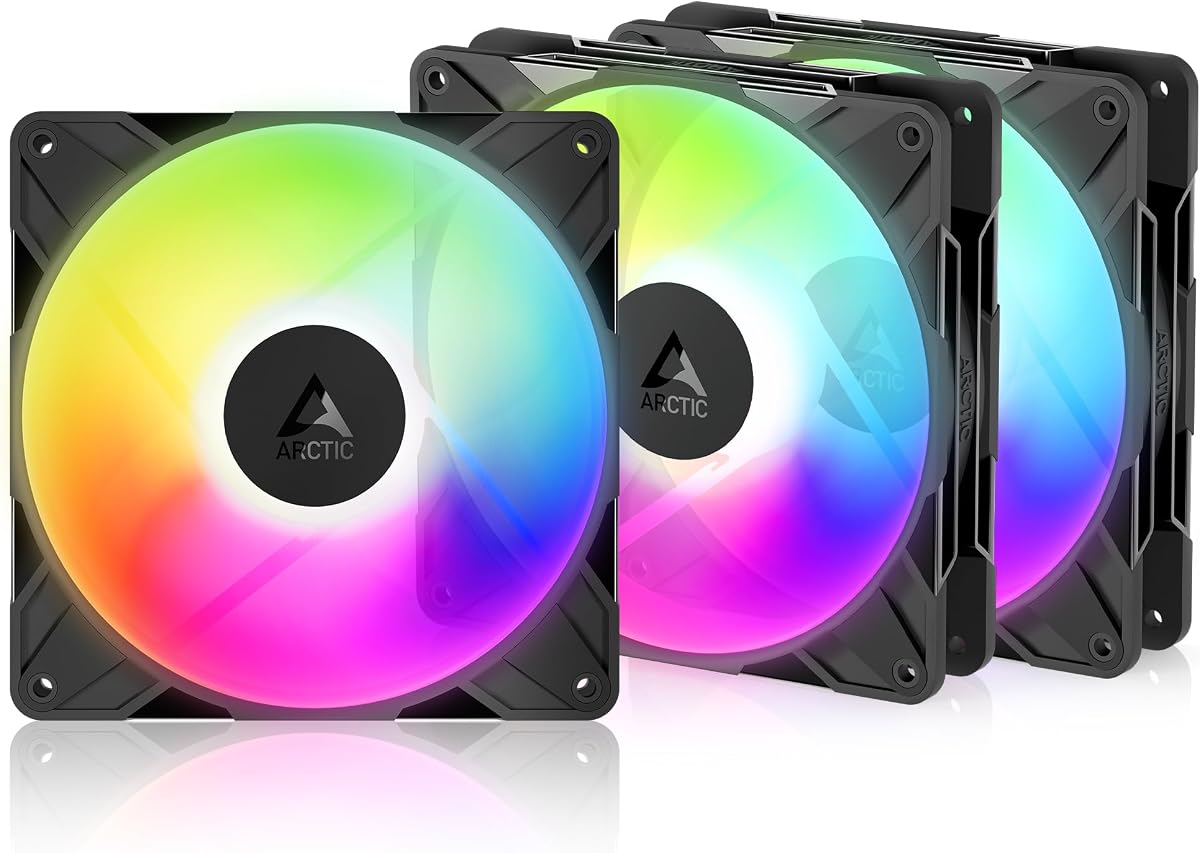


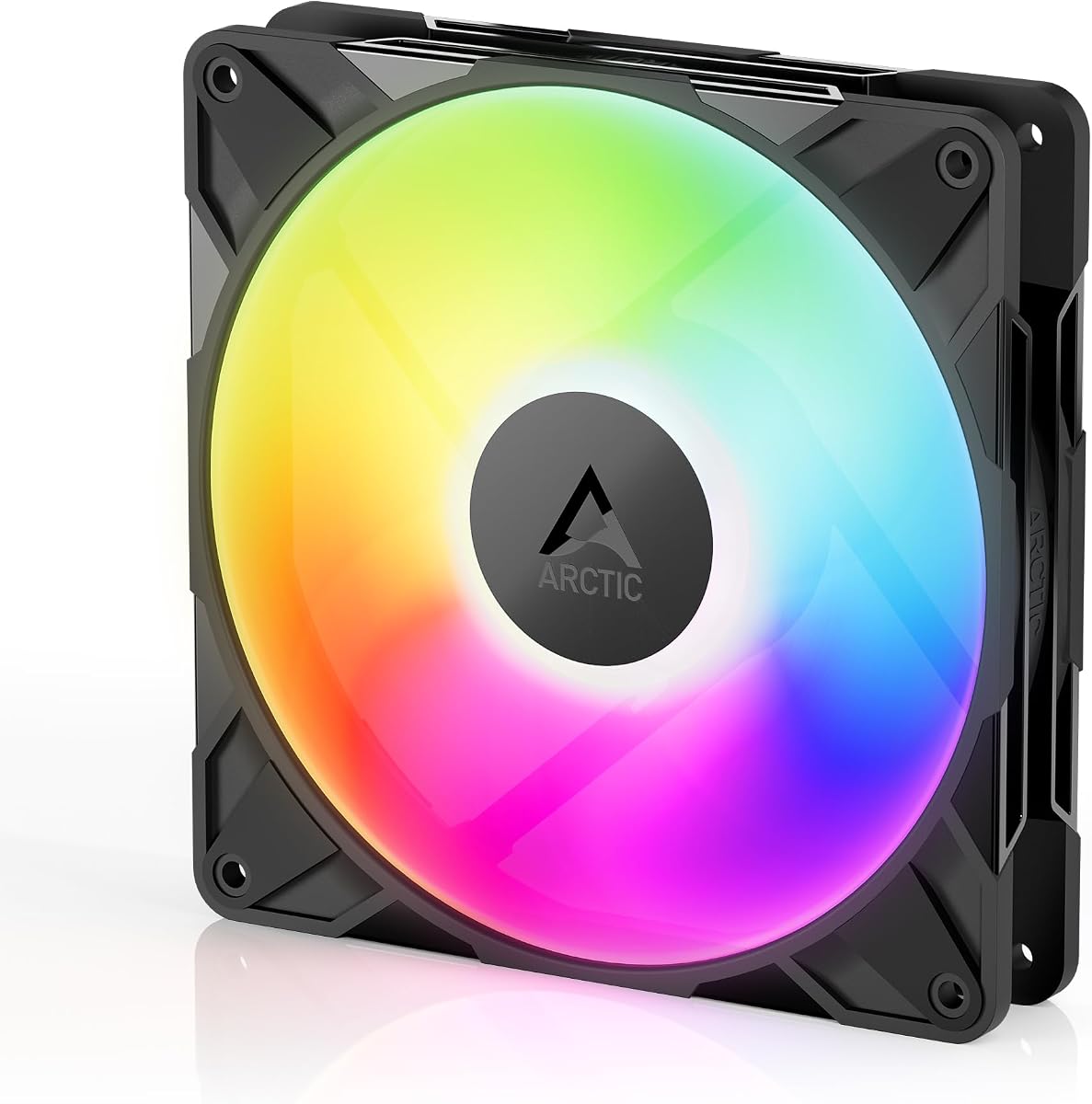


The Thermalright TL-C14C-S X3 offers exceptional value with a 3-pack of 140mm ARGB fans. With a 4.7 rating, these fans provide silent operation and reliable cooling for standard PC builds.
We may earn a commission when you buy through this link, at no additional cost to you.
Its standout feature is the S-FDB bearing which ensures smooth operation while minimizing noise. The 17 ARGB light modes allow customization to match your system aesthetic without high cost.
While the 1500 RPM limit is lower than high-end options, the 75.8 CFM airflow is sufficient for most cases. The trade-off is acceptable given the budget-friendly price point.
This choice is ideal for builders seeking effective cooling and lighting on a tight budget. It balances performance and cost effectively for everyday computing tasks.
The 7-blade noise-reducing design and soft silicone feet minimize vibration and acoustic output.
Automatic speed adjustment via 4PIN PWM ensures efficient cooling based on motherboard temperature.
We may earn a commission when you buy through this link, at no additional cost to you.
CORSAIR RS140 ARGB fans deliver premium performance with high static pressure ideal for radiator cooling. They feature daisy-chain connections to reduce cable clutter in your PC build.
We may earn a commission when you buy through this link, at no additional cost to you.
The AirGuide technology directs airflow efficiently towards components needing the most cooling. Combined with a magnetic dome bearing, these fans offer durability and quiet operation.
Wiring is streamlined with single 4-pin PWM and ARGB connectors for multiple fans. While pricier, the convenience and airflow performance justify the investment for enthusiasts.
Perfect for AIO liquid cooling setups or cases with restricted airflow. These fans excel where airflow resistance is a challenge for standard fans.
Connect multiple fans with one PWM and ARGB connector to simplify cable management.
Anti-vortex vanes direct concentrated airflow to hotspots like radiators and heatsinks.
We may earn a commission when you buy through this link, at no additional cost to you.
The ARCTIC P14 Pro Reverse offers a unique airflow direction to maintain clean aesthetics on glass front panels. With a 4.6 rating, it provides high-speed performance with minimal noise.
We may earn a commission when you buy through this link, at no additional cost to you.
This fan draws air from the back side preserving the view of your internal components. The hydrodynamic bearing ensures smooth operation across its 400 to 2650 RPM range.
Included Y-cable splitter simplifies connecting multiple reverse fans for consistent airflow. While specialized, it solves visual challenges in modern PC cases effectively.
Choose this for builds where aesthetics are paramount without sacrificing cooling power. It is perfect for intake on glass cases to keep the look clean.
Reverse airflow prevents visible motor brackets from blocking the front view.
Adjustable from 400 RPM to 2650 RPM for versatile cooling control.
We may earn a commission when you buy through this link, at no additional cost to you.
Thermaltake CT140 EX fans feature a magnetic connection system for simplified multi-fan installation. They provide 16.8 million colors for vibrant RGB customization in your PC case.
We may earn a commission when you buy through this link, at no additional cost to you.
The magnetic design reduces wiring complexity by allowing fans to snap together seamlessly. Combined with optimized hydraulic bearings, they offer reliable and quiet performance.
Anti-vibration mounting system helps reduce noise during operation for a cleaner experience. This makes installation easier and reduces clutter in tight PC cases.
Ideal for those prioritizing ease of installation and colorful lighting effects. These fans balance visual appeal with practical cooling needs.
Optimized magnetic design connects fans quickly without complex cables.
Control colors and effects directly via compatible 5V motherboard headers.
We may earn a commission when you buy through this link, at no additional cost to you.
AsiaHorse Amici 140mm fans feature a striking infinity mirror effect with 24 LED beads. They are compatible with major sync software allowing integrated lighting control.
We may earn a commission when you buy through this link, at no additional cost to you.
With a rated 50000-hour lifespan, these fans promise long-term reliability. The hydraulic bearing minimizes friction and noise while maintaining efficiency.
Airflow reaches 89.77 CFM ensuring effective heat dissipation during heavy loads. The mirror effect creates a premium look without the high cost.
Best for users seeking distinctive aesthetics alongside standard performance. These fans bring unique style to any build at a competitive price.
LED placement creates a deep visual effect around the fan frame.
Closed-loop lubrication ensures consistent performance over 50000 hours.
We may earn a commission when you buy through this link, at no additional cost to you.
The Cooler Master MasterFan MF140 Halo stands out with its duo-ring ARGB lighting. It provides high static pressure and airflow suitable for demanding cooling needs.
We may earn a commission when you buy through this link, at no additional cost to you.
Noise reduction technology and sound-absorbing materials ensure a quiet environment. The hybrid static pressure blade design tackles resistance efficiently in radiators.
Its compatibility with major RGB standards makes integration straightforward for most users. With a 4.8 rating, it is a top contender for premium builds.
Choose this for its exceptional lighting quality and balanced performance. It is ideal for showcases where visual impact matters most.
24 individually controlled LEDs create a vivid dual-ring halo effect.
Optimized blades boost airflow while maintaining low noise levels.
We may earn a commission when you buy through this link, at no additional cost to you.
ARCTIC P14 Pro delivers powerful cooling with a 3000 RPM speed range. It uses a fluid dynamic bearing to minimize noise and friction during operation.
We may earn a commission when you buy through this link, at no additional cost to you.
Precise manufacturing reduces vibrations for a smooth and quiet experience. The redesigned blades offer an optimal balance of performance and noise efficiency.
Ideal for cases with high airflow resistance like dense filters or radiators. It provides robust cooling capabilities for demanding system configurations.
Best for users needing maximum airflow potential. This fan excels in performance but requires PWM settings to manage noise.
Optimized blade shape improves airflow and reduces turbulence.
Self-lubricating bearing ensures long life and low noise.
We may earn a commission when you buy through this link, at no additional cost to you.
This Thermalright variant focuses on silent operation while providing high 1500 RPM speeds. The 7-blade design helps reduce wind noise effectively.
We may earn a commission when you buy through this link, at no additional cost to you.
It uses PBT+PC material for insulation and durability. The long 55CM cable facilitates easier installation in large cases.
PWM control allows dynamic speed adjustment based on real-time temperature needs. This helps balance cooling efficiency with acoustic comfort.
Best for office PC builds or quiet setups. It offers reliable performance with a focus on low noise levels.
Optimized blades reduce turbulence and noise during operation.
PBT+PC provides durability and heat resistance.
We may earn a commission when you buy through this link, at no additional cost to you.
The ARCTIC P14 Pro Reverse delivers top-notch performance with reverse airflow. With a 4.9 rating, it is highly regarded for both looks and cooling.
We may earn a commission when you buy through this link, at no additional cost to you.
Its fluid dynamic bearing ensures minimal noise while maintaining high 2650 RPM speeds. Precision manufacturing reduces gaps for a smooth running experience.
This fan is essential for glass panel cases where aesthetics matter. It hides the motor for a cleaner visual front intake.
Best for enthusiasts building premium aesthetic systems. It combines style and cooling power seamlessly for modern builds.
Automatic balancing reduces vibrations for quiet operation.
Draws air from the back to keep the front clean.
We may earn a commission when you buy through this link, at no additional cost to you.
The Thermalright TL-C14C-S provides reliable cooling with soft silicone feet to dampen vibration. It offers 17 ARGB lighting modes for customization.
We may earn a commission when you buy through this link, at no additional cost to you.
Its S-FDB bearing ensures long-term reliability and low noise operation. The 7-blade design improves heat dissipation efficiently.
PWM control allows for automatic speed regulation based on system temperature. It is a cost-effective choice for standard PC cooling needs.
Best for budget builds needing RGB flair. It delivers solid performance at an affordable price point.
Dampen vibration and reduce noise during operation.
Self-lubricating bearing for quiet and long service life.
We may earn a commission when you buy through this link, at no additional cost to you.
Selecting the right ARGB 140mm fans involves evaluating airflow, noise, and lighting compatibility. This guide outlines key factors to consider.
Airflow measured in CFM indicates how much air the fan moves. Static pressure shows how well it pushes air through obstructions like radiators. High airflow is good for case ventilation; high static pressure is better for radiators.
Check if you need case fans or radiator fans. Case fans prioritize high CFM; radiator fans prioritize static pressure.
Bearings affect noise and lifespan. Fluid dynamic or hydrodynamic bearings are typically quieter and longer-lasting than sleeve bearings.
Opt for FDB or HDB bearings for silent operation and reliability.
Noise is measured in decibels (dBA). Fans under 30 dBA are generally considered quiet. Some models reduce noise further with rubber mounts or blade design.
If silence is a priority, prioritize fans rated under 25 dBA.
Ensure the fan ARGB standard matches your motherboard. Common standards are 5V 3-pin and 12V 4-pin. Mismatched connectors can cause damage.
Check motherboard headers before purchasing to ensure compatibility.
PWM (Pulse Width Modulation) allows dynamic speed control based on temperature. This saves energy and reduces noise when full speed isn't needed.
Always choose fans with PWM headers for better control.
Daisy-chaining allows connecting multiple fans with fewer cables. It simplifies cable management and looks cleaner.
Look for magnetic or connector daisy-chaining if you plan to use multiple fans.
Mounting screws and rubber dampers affect noise. Anti-vibration mounts reduce vibration transmission to the case.
Ensure the fan includes adequate mounting hardware for your case.
Standard 140mm fans fit most cases. Thickness can affect clearance with other components.
Check clearance requirements especially in compact cases.
Install fans in a clear airflow pattern: front and side intakes, rear and top exhausts. This ensures cool air reaches components efficiently.
Use rubber screws or dampers to reduce vibration noise. Ensure fans are tightly secured but not over-tightened to avoid damage.
Regularly clean dust from fan blades and heatsinks. Dust buildup reduces airflow and increases noise over time.
ARGB (Addressable RGB) allows individual control of each LED, enabling effects like rainbows or waves. Standard RGB lights the whole fan uniformly. ARGB requires a 5V 3-pin header on your motherboard for full control.
Not always. If your motherboard has 5V 3-pin ARGB headers, you can connect directly. However, if you lack headers or want software control, a dedicated controller hub is recommended.
It depends on the power draw and motherboard limits. Typically 3-5 fans per chain is safe. Check your motherboard manual for current limits to avoid issues.
First ensure your motherboard supports 5V 3-pin ARGB. Next check the pin orientation on the connector. Sometimes the controller hub requires manual power.
Generally no. 140mm fans can move more air at lower RPMs often making them quieter. They have larger blades creating less turbulence at similar airflow.
Yes if they use the same 5V 3-pin connector and control software. However, syncing colors across brands may require using universal RGB software.
Every 3-6 months depending on environment. Dust buildup reduces performance and increases noise. Using compressed air quickly clears dust from blades.
Reverse airflow fans suck air from the opposite side of standard fans. They are used on front glass panels to hide the motor for a clean aesthetic.
We reviewed 10 top models balancing performance, silence, and style. The Thermalright and Cooler Master options offer excellent value for most builds.
Prioritize noise levels and airflow needs before choosing based on looks. A quiet system keeps your PC comfortable to use daily.
Always verify current prices and availability on Amazon. Prices fluctuate frequently so check for deals before finalizing your purchase.