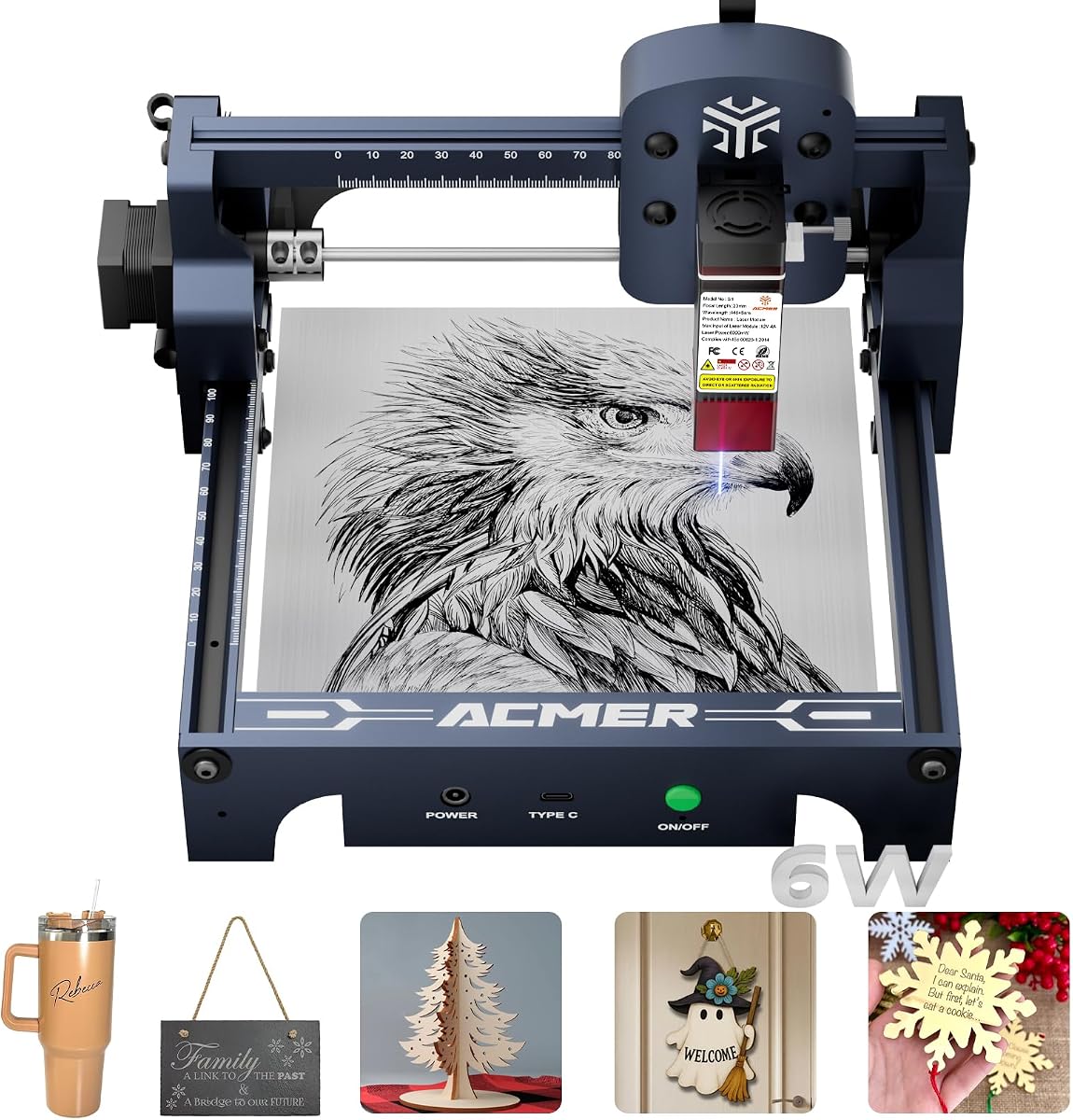
ACMER S1 Laser Engraver Machine
4.3Editor score
Preassembled beginner friendly setup
Compact portable lightweight design
6000mW diode power
This guide compares the top Acmer laser engraver models for precision, speed, and safety. Find the right diode cutter for your crafting or small business needs
Finding the right laser engraver can transform your creative projects into professional results. Acmer offers a range of diode machines suited for hobbyists and small businesses alike.
We analyzed performance, software compatibility, and safety features across ten current models. This list highlights how each machine handles different materials and workflow demands efficiently.
Each pick showcases key strengths and ideal use cases for makers. Prices and availability change frequently so check current listings before you buy your next tool.
4.3Editor score

4.4Editor score

5.0Editor score
This side-by-side comparison outlines key technical details for each model to help you find the right fit for your projects and workspace.



The ACMER S2 Laser Engraver stands out as a top choice for its balance of power and precision. With a rating of 4.4 stars, users appreciate its ability to handle over 100 materials.
We may earn a commission when you buy through this link, at no additional cost to you.
Its true 12W laser module allows for cutting up to 15mm paulownia wood. The 0.01mm positioning accuracy ensures intricate designs come out clean and consistent.
While the 300x300mm area is spacious, rotary modules are sold separately. Users must also manually adjust focus which might take practice for beginners.
This model fits hobbyists and small businesses looking for reliable performance. It is highly recommended for those needing versatile cutting and engraving capabilities.
The 12W power cuts through black acrylic and wood effectively. This versatility expands project possibilities significantly.
ACMER Studio works alongside LightBurn and LaserGRBL. This flexibility helps users manage workflows efficiently.
We may earn a commission when you buy through this link, at no additional cost to you.
This variant of the S2 emphasizes AI design tools to simplify workflow. It retains the powerful 12W laser core found in other top models.
We may earn a commission when you buy through this link, at no additional cost to you.
Engraving speeds reach up to 10,000mm/min making it efficient for production runs. The AI prompts help turn photos into designs quickly.
However, users might find the software requires initial setup time. The lack of a built-in enclosure means extra steps for safety.
Ideal for creators who value design automation and speed. It offers a strong entry point into advanced engraving workflows.
Text prompts convert to engraving designs seamlessly. This feature saves time on complex graphic work.
Fast processing speeds reduce idle time. Perfect for batch projects and small business needs.
We may earn a commission when you buy through this link, at no additional cost to you.
The ACMER S1 is designed for beginners needing a portable solution. It arrives 99% preassembled making setup incredibly fast for first time users.
We may earn a commission when you buy through this link, at no additional cost to you.
While the workspace is smaller at 130x130mm it handles detailed work well. The 6000mW power is sufficient for wood and acrylic projects.
The main limitation is the reduced cutting capacity compared to higher wattage models. It may not be enough for heavy duty industrial tasks.
This machine is perfect for hobbyists with limited space. It offers great value for simple engraving tasks and portability.
At just 2kg it is easy to store. Ideal for small apartments or shared workspaces.
Assembly takes roughly one minute. Users can start working immediately after unboxing.
We may earn a commission when you buy through this link, at no additional cost to you.
This model holds a perfect 5.0 rating from users who value safety and ease of use. It features a motion detection auto pause feature.
We may earn a commission when you buy through this link, at no additional cost to you.
The 7W output cuts 13mm paulownia wood but lacks the intensity of the 12W version. Users appreciate the anti-UV protective shield.
It is a great option for those concerned about safety features in the home. However, power users might find the speed limiting.
Recommended for casual users and beginners prioritizing safety. It delivers consistent results for standard engraving projects well.
Motion detection pauses operation during anomalies. This adds peace of mind for home workshops.
Acmerstudio simplifies project management. Beginners find the interface intuitive and easy to navigate.
We may earn a commission when you buy through this link, at no additional cost to you.
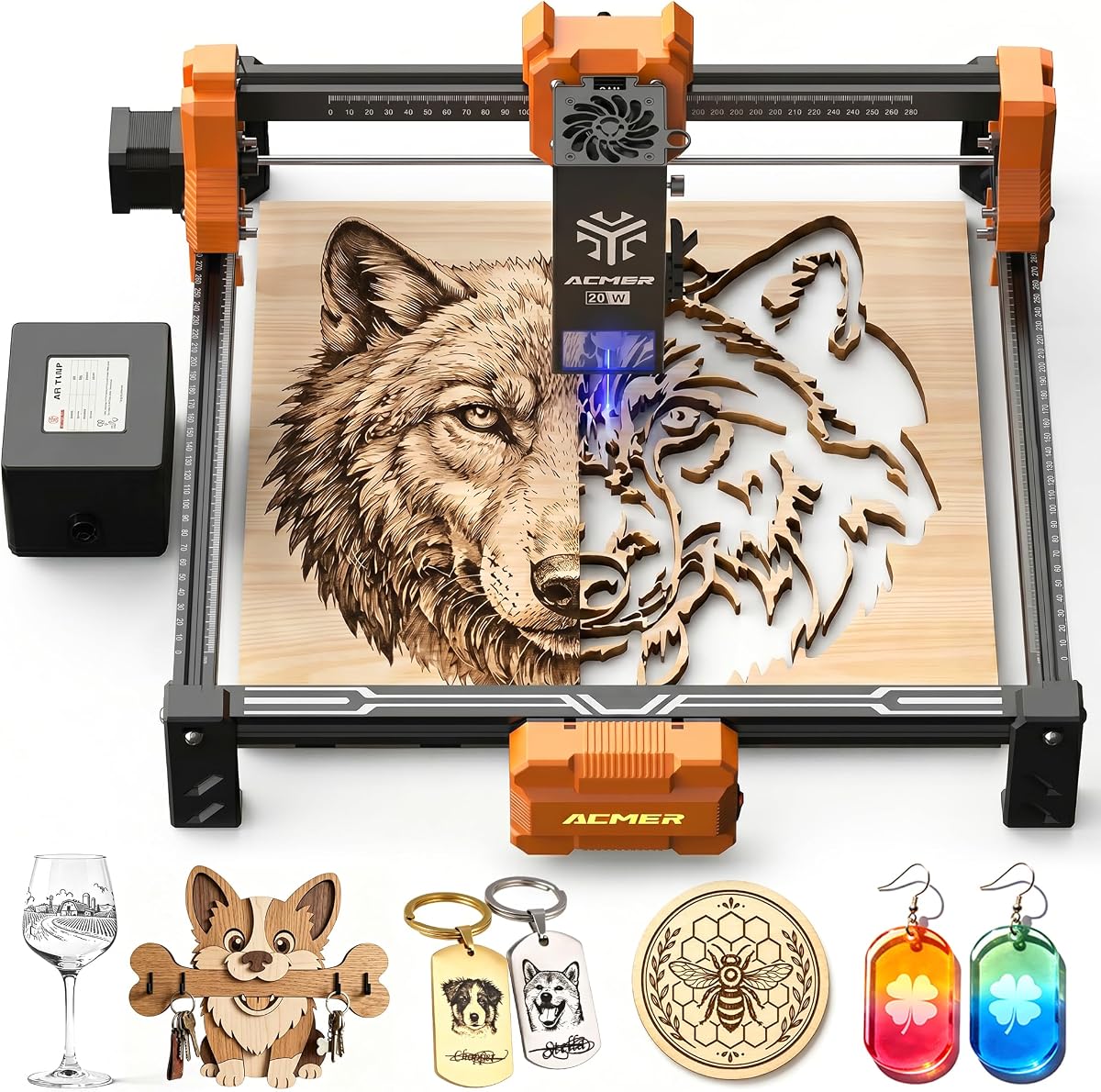
The P1 S Pro 20W delivers serious power for demanding projects. A built-in air assist pump ensures clean cuts on wood and acrylic.
We may earn a commission when you buy through this link, at no additional cost to you.
It achieves 0.01mm accuracy with a compressed 0.08×0.1mm spot. The lens lifespan of 8000 hours offers long-term reliability for creators.
The cost is higher than entry models but justified by performance. Users must manage extra weight compared to portable options.
Best for serious hobbyists needing professional results. It balances speed and detail effectively for small business production.
Air assist reduces burn marks significantly. This improves the finish of intricate edges.
Tight spot size creates sharp details. Great for small text and fine art.
We may earn a commission when you buy through this link, at no additional cost to you.
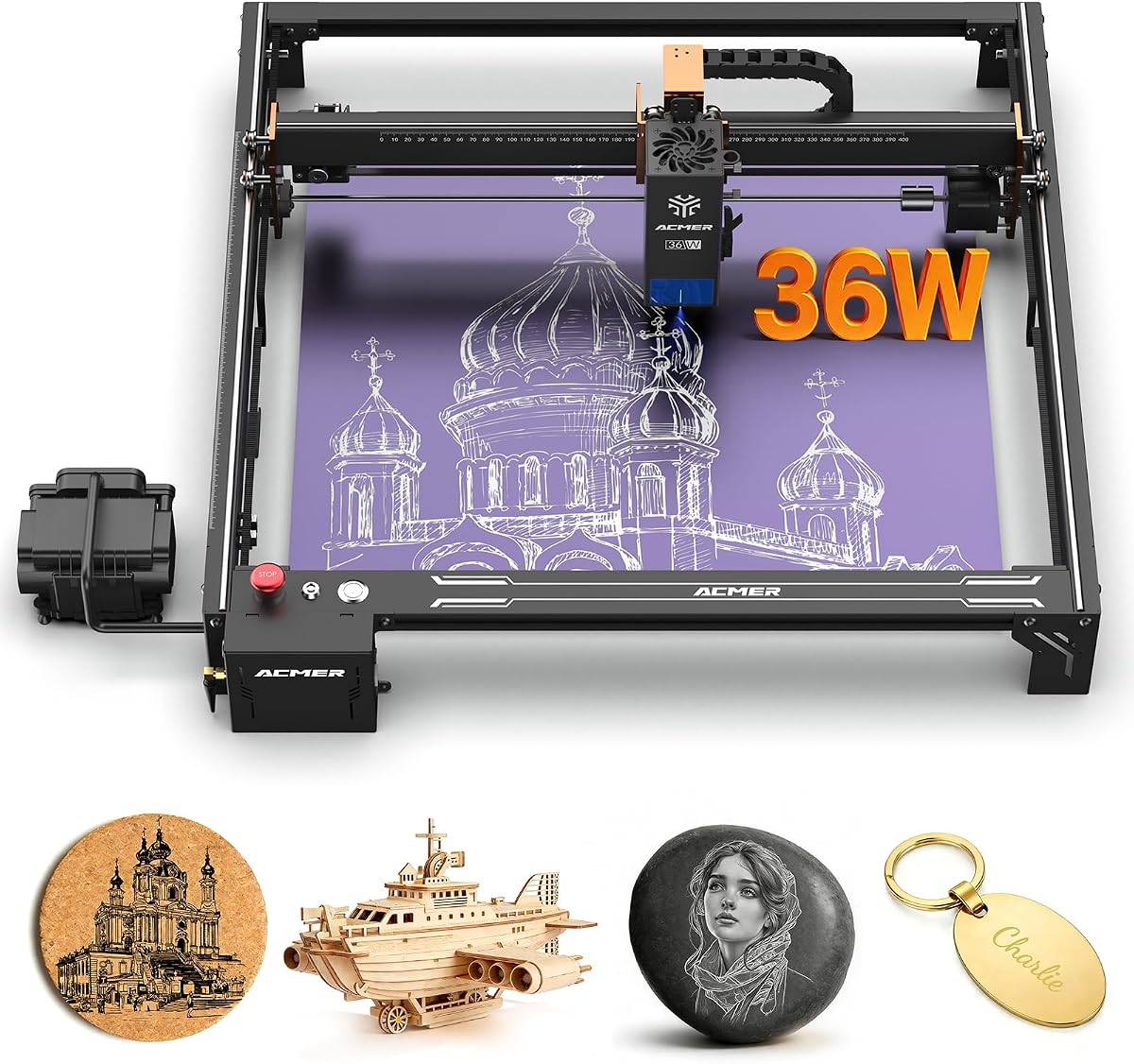
This model targets professional use with its 36W power and industrial rail system. It offers a significantly larger workspace than standard models.
We may earn a commission when you buy through this link, at no additional cost to you.
Dual linear rails ensure stability during high-speed engraving. The gyroscope sensor adds tilt protection for safer operation.
It is a complex machine requiring dedicated space and setup. The price reflects its industrial-grade specifications.
Recommended for small businesses scaling production. It provides the speed and stability needed for batch projects.
Linear rails reduce vibration effectively. This ensures accuracy on long production runs.
400x400mm area supports bulk work. Ideal for larger decorative items.
We may earn a commission when you buy through this link, at no additional cost to you.
Rated 5.0 stars, this model balances performance with reliability. It includes a 25L air assist pump for cleaner output.
We may earn a commission when you buy through this link, at no additional cost to you.
The 20W module handles deep cuts and fine engraving well. It supports a wide range of materials including ceramics.
It lacks a camera for positioning which some pros prefer. Users should plan for manual alignment steps.
Excellent for users needing a dependable workhorse. It is suitable for both hobby and small business applications.
Cuts wood and acrylic effectively. Coated metals respond well to engraving.
25L pump reduces smoke residue. Helps maintain lens clarity during operation.
We may earn a commission when you buy through this link, at no additional cost to you.
The P3 represents the premium tier with its enclosed safety design. It offers switchable dual laser output for varied tasks.
We may earn a commission when you buy through this link, at no additional cost to you.
A visual camera allows for precise alignment without markers. Fire detection adds significant safety benefits for unattended runs.
The cost is high and the unit is heavier. Users get top-tier safety and precision in return.
Best for professional studios needing safety. It is the ultimate choice for quality and protection.
Enclosure reduces smoke and noise. Ideal for office environments.
Camera simplifies material placement. Saves time on complex projects.
We may earn a commission when you buy through this link, at no additional cost to you.
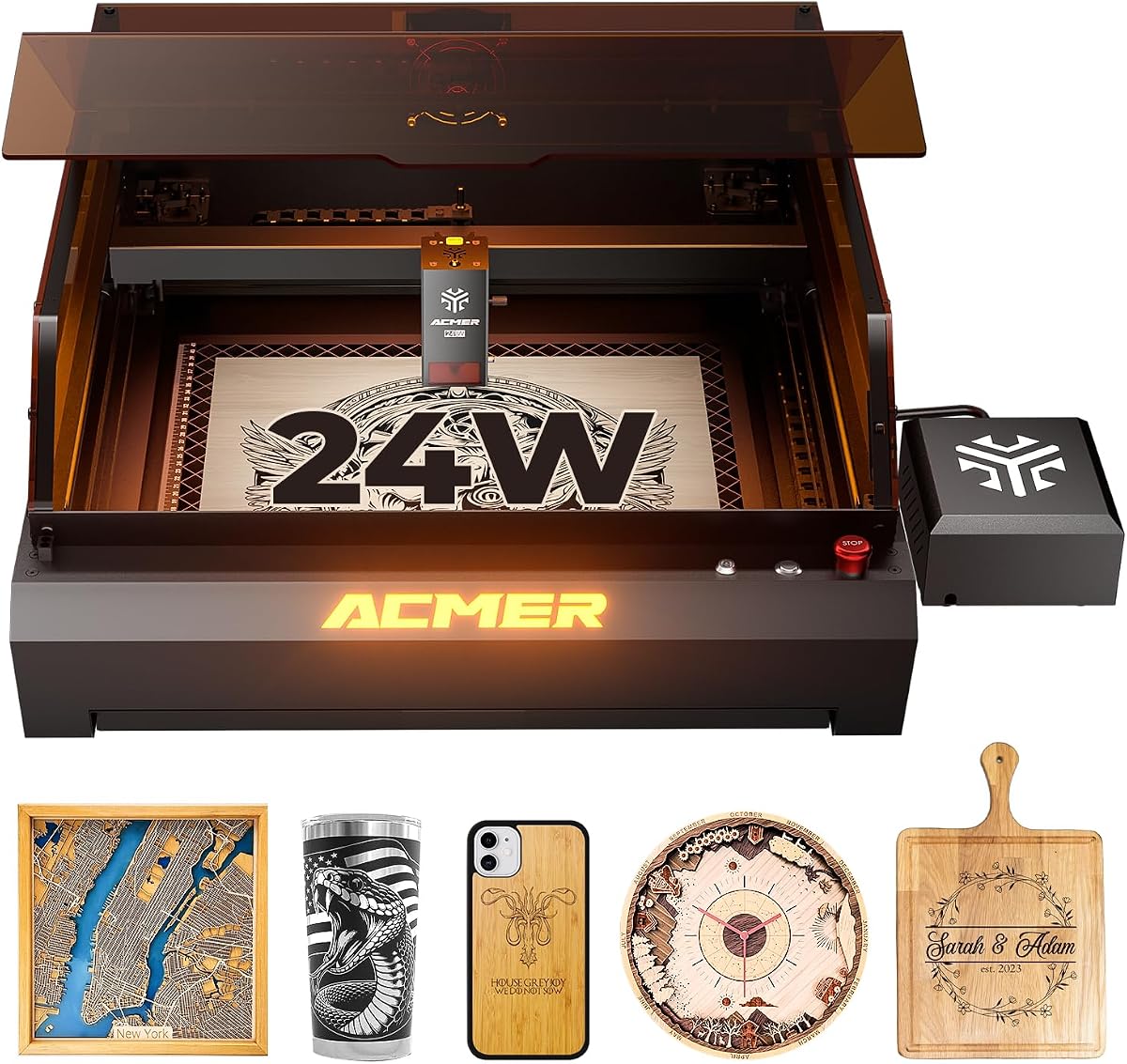
This P3 variant focuses on high precision with its CoreXY structure. It is a closed system designed to minimize environmental impact.
We may earn a commission when you buy through this link, at no additional cost to you.
It includes an integrated camera module for positioning. The 24W output is powerful enough for most engraving tasks.
It shares many safety features with the dual laser model but costs slightly less. Assembly remains complex due to the housing.
Ideal for users seeking enclosed safety. It is a robust choice for serious creators.
Frame increases stability by 20 percent. Ensures consistent output on long runs.
Module allows free dragging of materials. Enhances positioning accuracy significantly.
We may earn a commission when you buy through this link, at no additional cost to you.
This model offers a large 380x370mm area at an accessible price. WiFi control allows for mobile app operation and offline storage.
We may earn a commission when you buy through this link, at no additional cost to you.
It features a fine 0.06mm spot size for detail. The 6000mW power is suitable for engraving rather than deep cutting.
Users must manage expectations regarding cutting depth. However, the convenience of wireless control is a major plus.
Best for those needing large area engraving. It is perfect for DIY projects requiring connectivity.
Workspace exceeds many standard models. Good for signage and large art.
Connects to mobile devices easily. Enables offline TF card use.
We may earn a commission when you buy through this link, at no additional cost to you.
Selecting the right laser engraver requires understanding your project needs and workspace constraints.
Laser power determines cutting depth and speed. Higher wattage models like 20W or 36W cut thicker materials faster.
Choose higher wattage for production work or deep engraving.
Working area affects project dimensions. Small areas suit jewelry while large areas fit signs.
Ensure the machine fits your desk or workbench.
Safety is critical. Look for auto-pause motion detection or enclosed housings to protect your home.
Prioritize models with certifications like Class 1 for peace of mind.
Software determines ease of use. Compatibility with LightBurn allows advanced features and design control.
Check if the machine supports your preferred design tools.
Air assist pumps clear smoke and improve cut quality. Integrated pumps save space and money.
A pump reduces burn marks on wood and acrylic.
Connectivity options like WiFi allow offline engraving. USB is standard but wireless adds convenience.
Look for TF card slots for standalone operation.
Stability impacts precision. Linear rails reduce vibration for cleaner lines.
Industrial frames last longer than plastic alternatives.
Budget ranges from entry level to professional. Determine your investment level before shopping.
Balance cost against long-term utility and power.
Always wear approved laser safety goggles during operation. Protect your eyes from reflections and UV radiation.
Maintain the lens by cleaning it gently with alcohol. Dust buildup reduces cutting efficiency and speed.
Calibrate focus height before every new material. Adjust the bed height to match the focal length.
Yes, most Acmer models cut wood. Higher wattage units cut thicker wood up to 15mm. The laser burns through the material quickly.
Many models support LightBurn software. This provides advanced design control. Check the product page for compatibility details.
Safety glasses are typically included. They filter out UV light for eye safety. Always wear them when the machine is active.
Use the provided focus tool or distance. Adjust the bed height until the tool fits snugly. Precise focus ensures sharp cuts.
Yes you can engrave coated metals. Anodized aluminum responds well to the laser. Bare metal usually requires a special pass.
A PC helps manage projects but some models use WiFi. Offline storage is available via TF card. This adds flexibility for your workflow.
We reviewed ten top models ranging from the compact S1 to the professional P3. Each offers unique strengths for different skill levels and projects.
Prioritize laser power and workspace size based on your needs. Safety features should also influence your final choice significantly.
Prices change often so verify current listings before purchase. Find the right fit for your creative journey today.