
ASUS ROG Strix G16 (2025)
4.4Editor score
Intel Core i7 14650HX
RTX 5060 Graphics
165Hz FHD+ Display
This guide compares the top ASUS ROG Strix Laptop models for performance, display quality, and cooling to help you find the perfect gaming machine.
The ASUS ROG Strix lineup offers powerful gaming laptops designed for enthusiasts who demand high performance and reliability. These machines feature cutting-edge processors and graphics cards to handle modern titles with ease.
We evaluated ten distinct models based on their hardware specifications, display technology, cooling solutions, and overall build quality. Our analysis focuses on real-world usability for gaming, content creation, and daily productivity tasks.
Each pick highlights specific strengths like refresh rates or thermal management to match different user needs. Remember that availability and specifications may vary over time so verify details before purchasing.
4.4Editor score

4.3Editor score

5.0Editor score
The following table provides a side-by-side view of the key specifications for each model in this roundup to help you quickly identify the right fit for your needs.




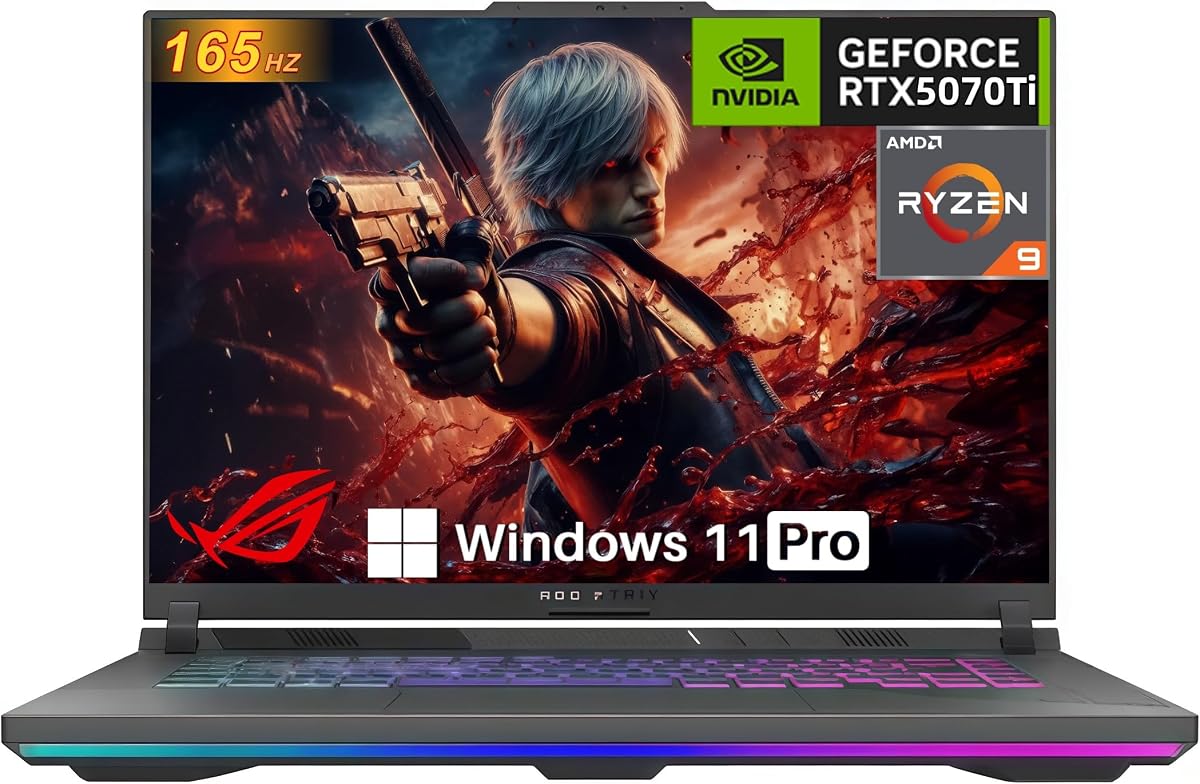
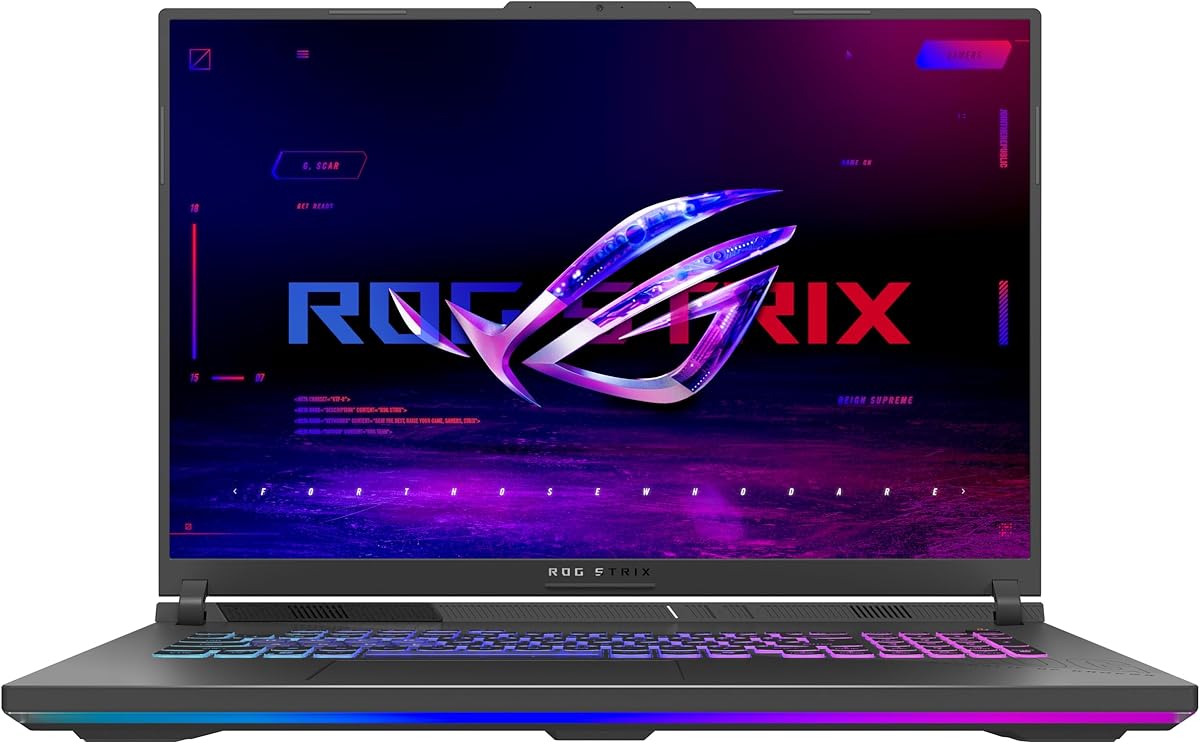
This model offers a compelling entry point into the ROG Strix family with solid mid-range performance. It balances price and capability effectively for students or casual gamers.
We may earn a commission when you buy through this link, at no additional cost to you.
The Intel Core i7 processor ensures smooth multitasking while the RTX 5060 handles modern games at respectable frame rates. The 165Hz display provides fluid motion for competitive titles.
You might find the resolution limiting for high-fidelity media work but it is sufficient for gaming. The cooling system keeps thermals in check during extended sessions without excessive noise.
It is an ideal choice for those seeking a reliable gaming laptop without breaking the bank. Verify current stock and specs before ordering to ensure it meets your specific needs.
The latest Wi-Fi 7 support ensures low latency online gaming and faster downloads for game libraries and updates.
ROG Intelligent Cooling with liquid metal on the chipset maintains consistent performance during demanding workloads.
We may earn a commission when you buy through this link, at no additional cost to you.
This configuration elevates the Strix experience with a premium Nebula display and top-tier silicon. It targets users who demand the best visuals and speed.
We may earn a commission when you buy through this link, at no additional cost to you.
The 240Hz refresh rate paired with 2.5K resolution offers incredible clarity and smoothness. The RTX 5070 Ti supports advanced rendering techniques for immersive gaming.
While it excels in performance the cost is significant and battery life is not its primary strength. Heavy users should keep a charger nearby for optimal results.
It serves as a high-performance desktop replacement perfect for creators and enthusiasts. Consider your budget carefully as this is a premium device with premium pricing.
The Nebula display features ACR film to enhance contrast and reduce glare for better viewing in bright environments.
32GB of DDR5 memory allows you to run virtual machines or heavy creative software alongside games without slowing down.
We may earn a commission when you buy through this link, at no additional cost to you.
The Scar 18 combines size and power to deliver a desktop-like experience on the go. It is a standout choice for those prioritizing screen real estate.
We may earn a commission when you buy through this link, at no additional cost to you.
Mini LED technology offers deep blacks and bright highlights making HDR content look fantastic. The MUX Switch boosts gaming performance significantly compared to standard configurations.
The AniMe Vision lid adds a unique stylistic touch but increases overall weight. Portability is not the focus here as this machine is designed for stationary use.
Choose this if you want the best visual experience in a laptop form factor. It is a powerful machine that justifies its size with superior components and features.
Tool-free access allows you to upgrade RAM or storage quickly without voiding warranties or needing specialized tools.
Windows 11 Pro offers additional security and network management features suitable for professional environments.
We may earn a commission when you buy through this link, at no additional cost to you.
This model pairs a high-end CPU with a mid-range GPU for a balanced approach. It is excellent for productivity and light gaming scenarios.
We may earn a commission when you buy through this link, at no additional cost to you.
The Nebula display ensures crisp visuals for work and entertainment regardless of the GPU tier. Dolby Vision HDR enhances video playback significantly for media consumption.
The RTX 5060 may struggle with ray tracing at high settings but handles standard gaming well. It is a versatile machine that fits many use cases comfortably.
It suits users who need power for coding or design more than AAA gaming. Check current availability as this specific mix might have limited stock.
Dolby Vision adjusts colors to make visuals richer and brighter for a more immersive viewing experience.
We may earn a commission when you buy through this link, at no additional cost to you.
This configuration offers a compelling alternative for those preferring AMD architecture. It provides robust performance for both gaming and heavy computing tasks.
We may earn a commission when you buy through this link, at no additional cost to you.
The Ryzen 9 processor delivers excellent multi-core performance for rendering or emulation. The RTX 5070 GPU supports modern gaming features like DLSS 4 effectively.
While the screen is solid it lacks the higher refresh rates found in other models. This is a minor trade-off for the raw processing power it offers inside.
Ideal for enthusiasts who want to try the latest AMD mobile silicon. Ensure you check specific driver support for your preferred titles before purchasing.
Advanced Optimus automatically switches graphics modes to balance performance and battery life based on the task.
We may earn a commission when you buy through this link, at no additional cost to you.
This listing highlights a fully loaded version of the Strix G16 with ample memory and GPU headroom. It is great for streamers and editors who need resources.
We may earn a commission when you buy through this link, at no additional cost to you.
The 140W TGP ensures the GPU runs at peak performance for demanding games. Having 32GB RAM means you can handle multiple tasks simultaneously without bottlenecks.
Some users might find the generic title confusing so verify specs against the product images carefully. It offers excellent value if the configuration matches your expectations exactly.
It is a robust option for those who need a workstation-grade gaming laptop. Check seller ratings and reviews to ensure a smooth purchasing experience.
RJ-45 Ethernet ensures a stable connection to reduce lag during competitive online matches.
We may earn a commission when you buy through this link, at no additional cost to you.
This model emphasizes ease of future upgrades with its tool-free design. It is appealing for users who plan to maintain their machine over time.
We may earn a commission when you buy through this link, at no additional cost to you.
The Q-latch system allows quick SSD swaps without needing a screwdriver for maintenance. The cooling solution keeps the system quiet even under heavy load.
The product title is brief so confirm the exact RAM and SSD configuration before buying. It remains a strong contender for those who value hardware flexibility.
It is recommended for tinkerers who want to extend the lifespan of their laptop. Verify warranty terms to ensure that opening the chassis does not void coverage.
Future-proof SSD slots ensure you can add faster storage as technology advances without replacing the whole unit.
We may earn a commission when you buy through this link, at no additional cost to you.
This 2026 model represents the cutting edge of mobile gaming technology. It brings flagship features to a standard 16-inch form factor.
We may earn a commission when you buy through this link, at no additional cost to you.
The RTX 5080 GPU provides the power needed for next-gen titles at high settings. Wi-Fi 7 ensures you are ready for the fastest internet speeds available.
The cost is high and early adopters should be aware of potential driver updates. It is a dream machine for those who want the absolute latest hardware.
It serves as a benchmark for what high-end gaming laptops can achieve in 2026. Buy if budget is secondary to performance and future longevity.
Wi-Fi 7 offers reduced latency and higher throughput for seamless online gaming and large file transfers.
We may earn a commission when you buy through this link, at no additional cost to you.
This version stands out for its large 2TB drive which is perfect for extensive game libraries. It saves you the hassle of immediate upgrades after purchase.
We may earn a commission when you buy through this link, at no additional cost to you.
Windows 11 Pro adds useful features for business users or developers. The RTX 5070 ensures smooth performance for most modern titles without issue.
The value proposition depends on whether you need that extra storage space. You might find it cheaper to upgrade storage separately if the price difference is small.
It is an excellent pick for users who want everything in one package. Ensure the SSD speed matches your expectations for fast loading times.
Two terabytes provide ample room for dozens of large AAA games and media files.
We may earn a commission when you buy through this link, at no additional cost to you.
The G18 offers a massive screen for those who prioritize display area over raw graphical power. It is great for simulation games or spreadsheet work.
We may earn a commission when you buy through this link, at no additional cost to you.
The RTX 5050 supports the latest architecture but is less powerful for heavy gaming. It handles eSports titles well but may struggle with demanding AAA games.
The larger chassis helps with airflow and keeps temperatures lower. This design choice benefits long sessions even if graphics performance is moderate.
Consider this if you want a laptop that feels like a small desktop monitor. It is a solid option for casual gaming and multimedia consumption.
An 18-inch display provides a more immersive experience than standard 15 or 16-inch laptops.
We may earn a commission when you buy through this link, at no additional cost to you.
Selecting the right laptop involves weighing performance needs against budget constraints. Here are the key factors to consider before making a decision.
The GPU determines how well you can play modern games and handle rendering tasks. Look for models with higher tiers like the 5070 Ti for future-proofing.
Prioritize a strong GPU if gaming is your main priority to ensure smooth frame rates.
A higher refresh rate like 240Hz reduces motion blur and makes competitive gameplay feel smoother. Ensure the display also has good color accuracy for creative work.
Choose a high refresh screen for gaming to gain a competitive edge in fast-paced titles.
The CPU impacts overall system responsiveness and multitasking capability. Intel Core Ultra or AMD Ryzen 9 options offer robust performance for heavy workloads.
Select a high-end processor if you plan on running multiple apps alongside games.
Memory dictates how many programs you can run simultaneously without lag. 32GB is recommended for power users while 16GB suffices for standard gaming.
Opt for more RAM if you edit video or run virtual machines frequently.
PCIe Gen 4 SSDs provide fast load times for games and applications. Larger capacity reduces the need for external drives or cloud storage dependencies.
Check for at least 1TB of storage to accommodate modern game libraries comfortably.
Effective cooling ensures performance remains stable under long-term usage. Vapor chambers and liquid metal are excellent features to look for in thermal management.
Verify cooling specs to prevent thermal throttling during extended gaming sessions.
Wi-Fi 7 and multiple USB ports allow for versatile peripheral setups. Ethernet ports are valuable for stable connections in competitive gaming scenarios.
Ensure the laptop has the necessary ports for your monitors and accessories.
Larger screens offer better immersion but reduce portability for travel. Decide if you need a desktop replacement or a device you will carry daily.
Balance screen size with weight based on your typical usage environment.
Always keep the laptop on a hard flat surface to allow airflow to the vents. Using it on soft surfaces like beds can trap heat and damage internal components.
Use Armoury Crate software to switch between performance modes based on your current task. This helps balance battery life and power delivery effectively.
Clean the screen with a microfiber cloth and avoid using harsh chemicals regularly. Regular maintenance ensures the display remains clear and the hardware stays protected.
Many models in the ROG Strix line offer tool-free access to RAM slots for easy upgrades. Check the specific manual for your model to confirm if you have two slots available.
Yes models with ROG Nebula displays offer high color accuracy and brightness suitable for creative tasks. Look for models with sRGB or DCI-P3 coverage to ensure precision.
All these laptops feature HDMI and USB-C ports that support high-resolution external displays. You can connect up to three screens for a multi-monitor setup effectively.
Battery life varies by model but typically ranges from five to eight hours for light tasks. Gaming on battery is not recommended due to high power consumption.
Windows 11 Home or Pro comes pre-installed depending on the specific model you choose. ROG Armoury Crate is also included for system control and lighting customization.
Yes the powerful processors and GPUs support encoding and decoding for streaming platforms efficiently. Ensure you have a dedicated stream deck or software to manage the workflow.
The ASUS ROG Strix lineup offers diverse options ranging from budget-friendly to high-end configurations. Select the model that aligns with your specific performance requirements.
Prioritize the screen quality and cooling system as they directly impact your daily experience. A good display and efficient thermals ensure long-term satisfaction.
Remember to check current availability and verify specs before finalizing your order. Prices and stock fluctuate so act quickly when you find the right fit.