
ASUS RT-AX1800S
4.3Editor score
WiFi 6 support
AiProtection security
Gaming optimized
Explore our expert guide comparing the top ASUS WiFi routers for 2026, covering WiFi 6 and 7 models for gaming, streaming, and whole home coverage.
Finding the right network hardware is essential for modern households. ASUS offers a wide range of routers designed to handle high speed demands and multiple devices efficiently.
We analyzed ten top models based on speed, security, and coverage. This guide helps you choose the best device for your specific home or office setup.
Each pick highlights key features and performance metrics. Prices fluctuate often so check current listings before buying to ensure you get the best deal available today.
4.3Editor score
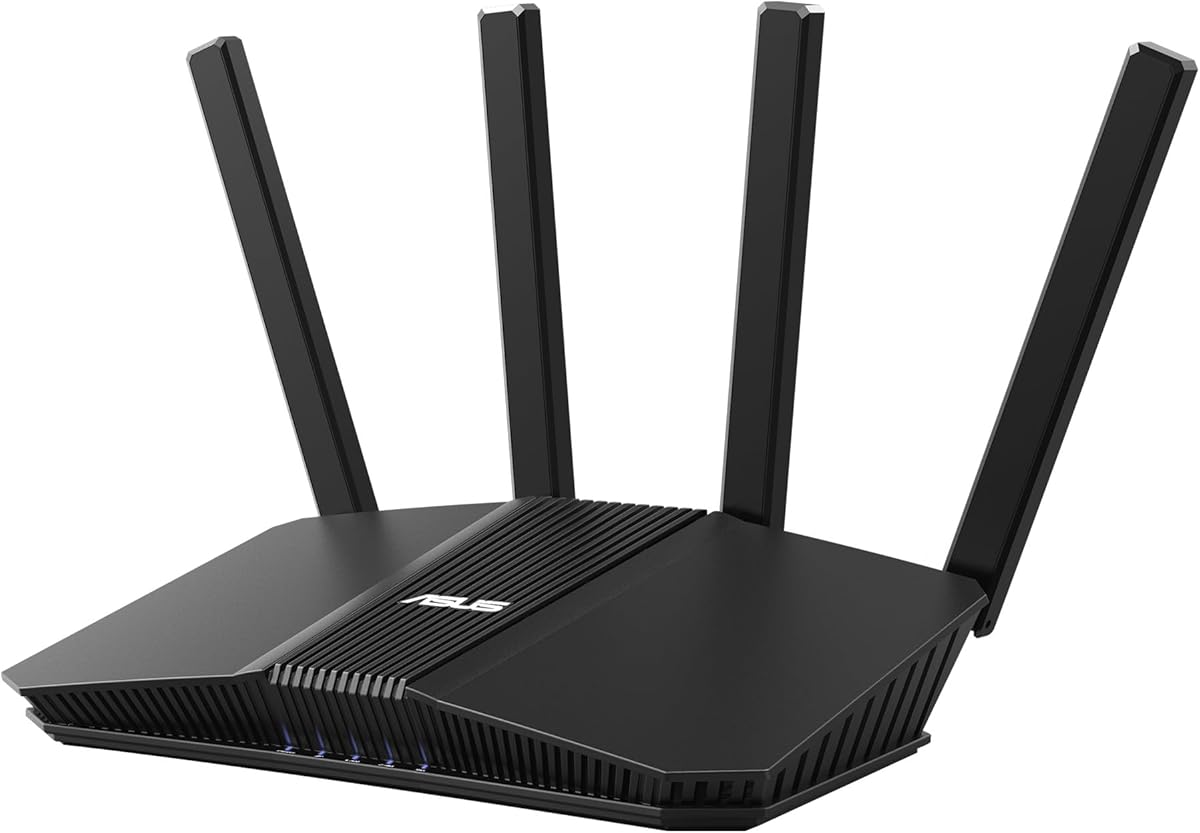
4.0Editor score

4.3Editor score
The following table compares the core specifications of each model to help you quickly identify the best fit for your network requirements.

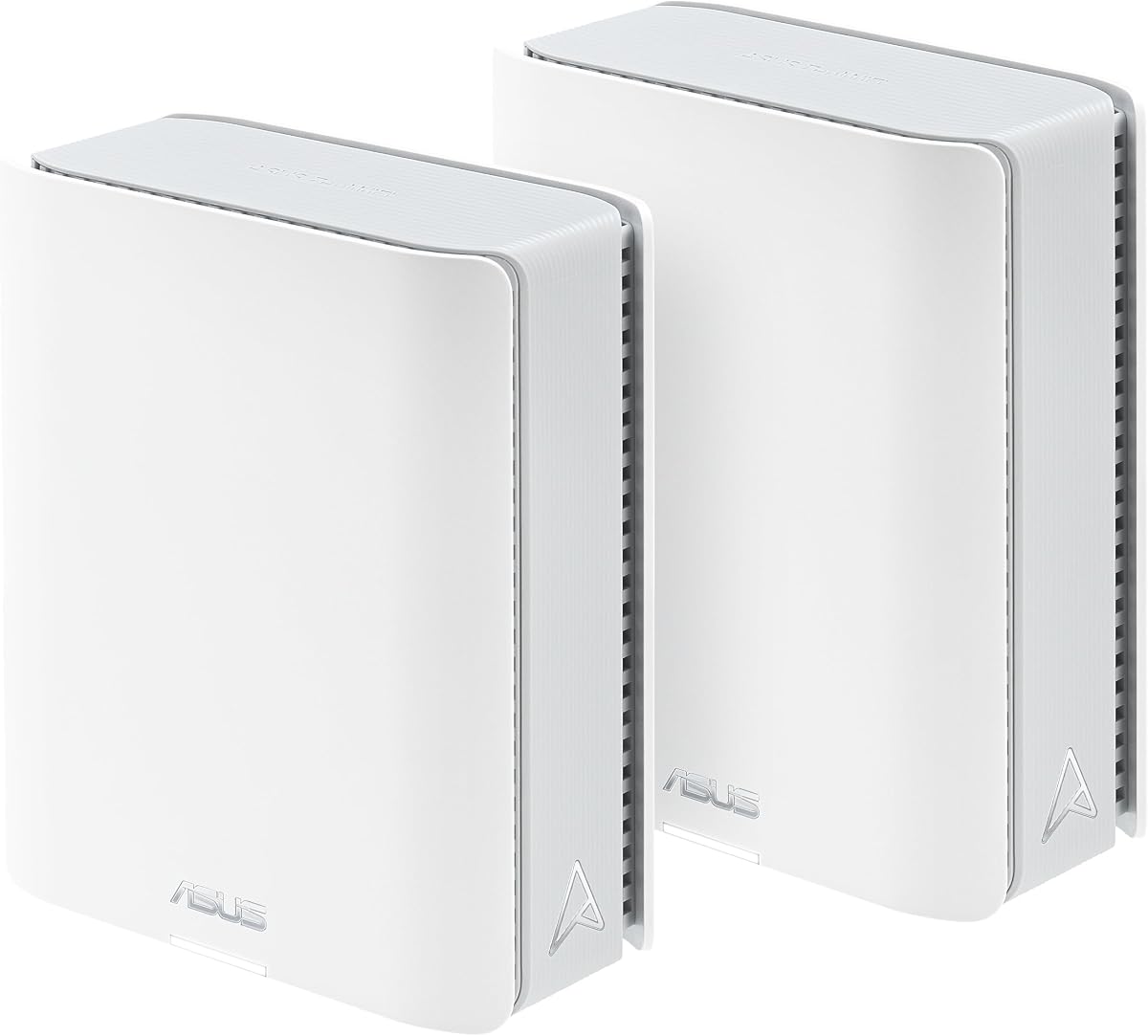



The ASUS RT-AX1800S is a strong entry-level option for those seeking modern WiFi 6 capabilities without breaking the bank. It earns a 4.3 rating from users who appreciate its balance of performance and cost.
We may earn a commission when you buy through this link, at no additional cost to you.
It supports MU-MIMO and OFDMA technology to efficiently manage multiple devices. The built-in VPN feature allows secure access to your home network from anywhere using the Instant Guard tool.
While it lacks the raw speed of higher-end models, it covers standard apartments and small homes well. The 5 Gigabit ports ensure wired connections remain fast for stationary devices like desktops.
Buy this if you need a reliable router that handles everyday streaming and gaming needs. It is a practical choice for budget-conscious users who still want modern security and smart features.
AiProtection Classic powered by Trend Micro blocks malicious sites and infected devices automatically. This ensures your connected devices stay safe without needing extra subscriptions.
AiMesh compatibility allows you to add more ASUS routers later to cover larger areas. This creates a seamless whole-home network without complex reconfiguration.
We may earn a commission when you buy through this link, at no additional cost to you.
The ASUS RT-BE58U brings the future of networking to your home with WiFi 7 technology. It holds a 4.0 rating as users explore its advanced capabilities and speed potential.
We may earn a commission when you buy through this link, at no additional cost to you.
This router supports 4096-QAM and Multi-link operation to boost throughput significantly. The Smart Home Master feature helps organize IoT devices onto separate networks easily for better management.
While current devices may not fully utilize the 3.6 Gbps speed, it future-proofs your home for upgrades. The Dual-WAN support ensures internet remains active even if one connection drops.
This model is ideal for tech enthusiasts who want the latest standards. It is the best choice for those planning to upgrade their devices in the near future for maximum efficiency.
WiFi 7 offers lower latency and higher capacity. Using this router now prepares your network for upcoming smart devices and high-bandwidth applications.
Smart Home Master creates dedicated SSIDs for IoT devices. This segregation enhances security and keeps your main network clean from low-priority traffic.
We may earn a commission when you buy through this link, at no additional cost to you.
The ROG Rapture GT-BE98 Pro is a powerhouse designed for enthusiasts who need the absolute best. With a 4.3 rating, it stands out for its immense capacity and gaming features.
We may earn a commission when you buy through this link, at no additional cost to you.
It supports Quad-Band WiFi 7 with 320MHz channels to reach speeds up to 30 Gbps. Triple-Level Game Acceleration optimizes traffic directly to game servers for minimal lag.
The dual 10G ports allow ultra-fast local transfers and internet connections. This router is built to handle dense device environments without any bottlenecks or slowdowns.
Choose this if you are a serious gamer or have a high-end home office. It is the ultimate choice for those who demand maximum performance and premium connectivity options.
Triple-Level Game Acceleration ensures packets are prioritized correctly. This reduces lag and ping times for competitive online gaming experiences.
Dual 10G ports support ultra-fast wired devices. This is perfect for NAS units or PCs that require gigabit speeds or more for transfers.
We may earn a commission when you buy through this link, at no additional cost to you.
The ASUS RT-BE92U offers a balanced approach to WiFi 7 technology for most homes. It maintains a 4.0 rating by providing strong performance without the extreme premium price.
We may earn a commission when you buy through this link, at no additional cost to you.
It utilizes Tri-Band tech and Multi-link Operation to manage traffic smoothly. The AI WAN detection ensures your internet stays up by automatically switching connections if needed.
Users find it reliable for streaming and general computing tasks. The commercial-grade AiProtection Pro keeps your network safe without extra costs or complexity.
This model suits families needing high speed but not the top tier. It is the right choice for those upgrading to WiFi 7 without overspending on extra features.
AiProtection Pro includes safe browsing and malware blocking. This protects all connected devices from internet threats automatically 24/7.
AI WAN detection keeps you online even during failures. This is vital for remote work or uninterrupted entertainment streaming.
We may earn a commission when you buy through this link, at no additional cost to you.
The ZenWiFi BT10 provides a mesh solution using the latest WiFi 7 technology. It covers up to 6,000 sq ft and earns a 3.4 rating for its ambitious scale.
We may earn a commission when you buy through this link, at no additional cost to you.
This system uses Tri-Band connectivity to ensure seamless roaming between nodes. The 10G ports allow for ultra-fast wired backhaul connections between units if needed.
While setup can be complex, the result is uniform coverage in large spaces. The heat dissipation design helps maintain stability during long periods of heavy usage.
Buy this if you have a large home requiring total coverage. It is ideal for users who want a premium mesh system that supports future WiFi 7 devices.
AiMesh technology ensures devices connect to the best node. This means you get consistent speed even as you move through your house.
Dual 10G ports support fast inter-node communication. This keeps your mesh network running at peak speeds without wireless interference.
We may earn a commission when you buy through this link, at no additional cost to you.
The ASUS RT-AX82U brings a stylish look to gaming networks with Aura RGB lights. It has a 4.4 rating and is favored for its dedicated game acceleration features.
We may earn a commission when you buy through this link, at no additional cost to you.
Mobile Boost minimizes lag when playing games on your phone. The dedicated gaming port ensures your PC always gets priority bandwidth over other devices.
This router supports AiMesh so you can expand later. The renewed version offers a cost-effective way to get gaming features without buying brand new.
Choose this if you care about aesthetics and gaming performance. It fits gamers who want a router that looks cool and performs reliably.
Mobile Game Mode reduces latency for phone users. This makes mobile gaming much smoother on your handheld devices.
Aura RGB lighting lets you match your setup. You can choose effects to align with your room or game modes.
We may earn a commission when you buy through this link, at no additional cost to you.
The ZenWiFi BT8 is a single unit mesh router designed for mid-sized homes. It covers up to 3,000 sq ft and maintains a 4.0 rating for reliability.
We may earn a commission when you buy through this link, at no additional cost to you.
It uses seven internal antennas to eliminate dead zones in all directions. The Smart Home Master feature helps you manage IoT traffic separately from personal data.
Users appreciate the commercial-grade protection that comes standard. This model is great for those who want mesh benefits without a full multi-node system.
Buy this if you need reliable coverage for a single floor. It is suitable for users wanting a compact yet powerful mesh node.
Seven internal antennas ensure strong signal everywhere. This minimizes dead spots in large rooms or far corners.
Smart Home Master creates dedicated SSIDs for smart devices. This keeps your main network fast for your computers and phones.
We may earn a commission when you buy through this link, at no additional cost to you.
The ASUS RT-AX3000 is a favorite for families needing stability. It holds a 4.5 rating and excels in managing diverse household internet usage.
We may earn a commission when you buy through this link, at no additional cost to you.
Adaptive QoS prioritizes important traffic like video calls or work. The parental controls let you manage usage times easily for kids' devices.
It supports AiMesh so you can add nodes later. The USB 3.0 port allows sharing files or printers across the local network.
This model is ideal for standard households. It fits families who want easy management and security without complex settings.
Parental controls allow you to set schedules. This helps ensure kids spend screen time safely.
USB 3.0 allows sharing printers or drives. This adds utility for home office setups easily.
We may earn a commission when you buy through this link, at no additional cost to you.
The RT-AC68U is a classic model known for its stability. It holds a 4.5 rating and remains a viable option for those not needing WiFi 6.
We may earn a commission when you buy through this link, at no additional cost to you.
It supports Dual-WAN which is rare at this level. This ensures you have a backup connection if your main ISP fails.
While speeds are lower than modern models, it handles standard streaming well. The web interface is straightforward for users who dislike mobile apps.
Buy this for legacy setups or small offices. It is perfect for users prioritizing stability over raw speed.
Dual-WAN lets you connect two ISPs. This keeps you online during outages without interruption.
Five Gigabit ports offer plenty of wired connections. This is excellent for homes with many wired devices.
We may earn a commission when you buy through this link, at no additional cost to you.
The ExpertWiFi EBR63 is tailored for small businesses needing control. It has a 4.2 rating and offers features like guest portals and VLANs.
We may earn a commission when you buy through this link, at no additional cost to you.
You can customize the guest portal to match your brand. SDN capabilities allow better network segmentation for security and efficiency.
Remote management allows IT staff to maintain the network easily. It is designed to scale with other ExpertWiFi routers for larger office spaces.
Buy this for commercial or office environments. It fits businesses needing secure, branded guest access and network control.
Custom guest portals enhance your business image. This allows branded login pages for clients and visitors.
VLAN support separates guest traffic from internal data. This ensures better security and network stability.
We may earn a commission when you buy through this link, at no additional cost to you.
Selecting the right router requires understanding your specific needs. We outline key factors to help you make an informed decision.
WiFi standards like 6 and 7 offer faster speeds and better efficiency. WiFi 7 supports wider channels and advanced modulation for future needs.
Check if your devices support the latest standards to maximize your investment.
Larger homes need mesh systems or routers with strong antennas. Small homes may suffice with a single unit.
Consider wall materials and layout to ensure signal reaches all rooms.
AiProtection Pro provides automatic threat detection and blocking. This is crucial for protecting smart devices and personal data.
Always ensure the router includes subscription-free security updates.
Gaming routers prioritize latency reduction and packet delivery. Features like Game Acceleration help competitive play.
Look for dedicated gaming ports if you use a desktop PC.
Some models offer 10 Gigabit ports for high-speed wired connections. This is useful for NAS or desktop computers.
Ensure the router has enough LAN ports for your wired devices.
AiMesh allows combining multiple routers for whole-home coverage. This scales easily as your needs grow.
Check if the router supports mesh expansion before buying.
Tools for managing screen time and blocking sites are essential. These ensure safe internet access for children.
Look for intuitive interfaces to manage these settings easily.
Mobile apps simplify setup and monitoring for most users. Web interfaces offer detailed control for advanced users.
Choose the interface that matches your technical comfort level.
Place your router in a central elevated spot. This maximizes signal coverage and reduces interference from walls.
Update firmware regularly through the app or web panel. This ensures you have the latest security patches and features.
Periodically reboot your device to clear memory. This maintains performance stability over long periods of use.
WiFi 7 routers like the RT-BE58U are future-proof but require compatible devices for full speed. If you plan to upgrade devices soon, it is worth the investment. Otherwise, WiFi 6 is sufficient for current needs.
ASUS routers support AiMesh. You can buy additional compatible nodes and pair them through the app. This creates a seamless network without complex setup or extra cabling.
Yes, AiProtection Pro is free on most modern ASUS routers. It provides continuous security scanning and blocking without requiring a subscription.
Models like the ExpertWiFi EBR63 are designed for business with VLANs and guest portals. For home, standard routers work well for home offices.
The ZenWiFi BT10 covers 6000 sq ft and supports mesh. It offers the widest range for large estates requiring full coverage.
A router manages your network traffic but cannot increase ISP speed. However, it reduces bottlenecks so you get the speed you pay for.
The ASUS RT-AX1800S and RT-BE58U are strong picks for most users looking to balance price and performance. The ROG Rapture GT-BE98 Pro stands out for premium gaming needs.
Prioritize security features like AiProtection Pro and mesh compatibility. These ensure your network remains safe and scalable as you add more devices.
Prices change often so check current listings before you buy to get the best deal. Verify compatibility with your existing devices for the smoothest experience.