
BenQ MA270UP
4.3Editor score
90W USB-C power delivery
Mac Color Match technology
Integrated Mac controls
Choosing the right display for your MacBook Pro can significantly enhance your workflow and visual experience. The perfect monitor should offer seamless connectivity, accurate colors, and a design that complements your existing setup.
We compared ten top-rated monitors based on resolution, refresh rate, color gamut, and USB-C power delivery capabilities. Our analysis focuses on how well each model integrates with macOS and supports professional and casual use cases.
Each pick highlights specific strengths like color accuracy or budget-friendly pricing. Remember that prices and availability change frequently, so check the current listings before making your final decision to ensure the best value.
4.3Editor score
5.0Editor score

4.4Editor score
As an Amazon Associate we earn from qualifying purchases.
The following table provides a side-by-side comparison of all ten monitors. It highlights key specifications such as resolution, color gamut, connectivity options, and special features to help you find the ideal match.



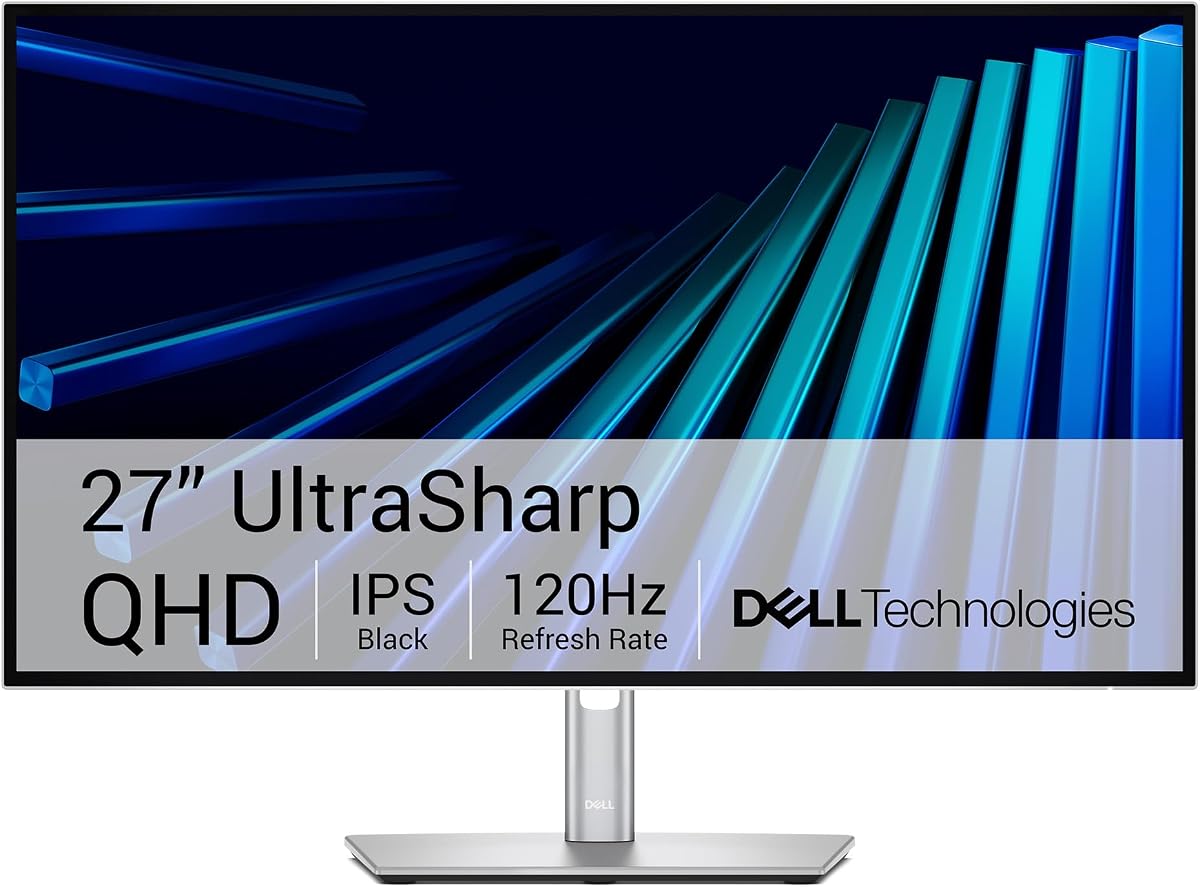
The Dell UltraSharp U2726DER stands out as the premier choice for creative professionals seeking perfect color fidelity. With a perfect rating of 5.0 stars, it delivers factory-calibrated accuracy that ensures your work looks exactly as intended straight out of the box.
We may earn a commission when you buy through this link, at no additional cost to you.
This monitor is ideal for designers and video editors who need deep blacks and rich contrast. The Thunderbolt hub connectivity allows you to dock your MacBook with a single cable, providing data transfer and power while maintaining a clean workspace.
The built-in KVM switch lets you seamlessly switch between two machines using one keyboard and mouse, enhancing productivity for those managing multiple devices. While the price is higher, the professional-grade performance justifies the investment for serious users.
If you prioritize color precision and seamless connectivity for your MacBook Pro, this monitor is the definitive recommendation. Its refined finish and borderless screen also make it a stylish addition to any executive or creative workspace.
Factory calibration ensures 98% Display P3 coverage for accurate photos and designs.
Built-in KVM switch allows control of two devices with one set of peripherals.
We may earn a commission when you buy through this link, at no additional cost to you.
The BenQ MA270UP is specifically engineered for Mac users, offering exclusive color tuning for a vibrant P3 wide color gamut. This ensures that the colors on your external monitor match your MacBook Pro or Air display seamlessly.
We may earn a commission when you buy through this link, at no additional cost to you.
Connecting is effortless with dual USB-C ports delivering 90W power to your laptop while also charging peripherals like an iPad. You can adjust brightness and volume directly from your MacBook keyboard, providing a native macOS experience.
While it comes with a higher price tag, the dedicated Mac features make it a top contender for Apple ecosystem users. The adjustable stand allows for ergonomic customization to suit your preferred working posture throughout the day.
This monitor is perfect for users who want a true Mac-like experience on an external display. Its ability to expand your MacBook with a single cable simplifies your desk setup while enhancing productivity.
Exclusive calibration ensures vibrant P3 gamut matches native Mac display colors.
Adjust brightness and volume directly from your Mac keyboard without extra software.
We may earn a commission when you buy through this link, at no additional cost to you.
The LG 27US500-W offers an excellent entry point for those seeking 4K clarity without breaking the bank. With a 1000:1 contrast ratio, it delivers deeper blacks and vivid colors suitable for various content types.
We may earn a commission when you buy through this link, at no additional cost to you.
Creative professionals will appreciate the up to 90% DCI-P3 color gamut expression which brings brilliant color to life. HDR10 support allows you to explore high dynamic range content with a elevated spectrum of colors.
Its ergonomic stand makes it easy to adjust the screen to the optimal position for your comfort. The borderless design enhances the viewing experience by minimizing distractions around the edges of the display.
For users prioritizing resolution and value, this monitor is a strong recommendation. It provides a clean aesthetic and solid performance for work and entertainment in a white finish.
1000:1 ratio provides deeper blacks and vivid colors in UHD clarity.
Minimal bezels enhance the viewing experience and reduce distractions.
We may earn a commission when you buy through this link, at no additional cost to you.
The Dell S2725QC combines 4K clarity with a smooth 120Hz refresh rate for a captivating experience. It features improved ComfortView Plus technology that reduces harmful blue light emissions for all-day comfort.
We may earn a commission when you buy through this link, at no additional cost to you.
Vivid colors are ensured by 99% sRGB coverage and in-plane switching technology. The 1500:1 contrast ratio and HDR readiness deliver excellent depth and detail in your content.
Audio is re-engineered for better output power and frequency response, allowing you to enjoy detailed sound without external speakers. Connectivity is easy with a single USB-C cable providing up to 65W power delivery.
This monitor is ideal for those who value smooth visuals and integrated audio. The FreeSync Premium support makes it a versatile choice for both work and play on your setup.
120Hz refresh rate creates a smooth and tear-free experience for work.
Re-engineered sound provides detailed audio with greater output power.
We may earn a commission when you buy through this link, at no additional cost to you.
The LG 27UP850K-W excels in image quality with a 4K display that reproduces clear images and vibrant colors. It supports VESA DisplayHDR 400 to realize content creators' visions with specific brightness levels.
We may earn a commission when you buy through this link, at no additional cost to you.
Explore HDR content the way it was meant to be seen with up to 95% DCI-P3 color gamut expression. The monitor offers various ports including USB-C for data transfer and power delivery up to 90W.
Make some noise with built-in stereo speakers equipped with Waves MaxxAudio for bolder sound. The Switch app transforms your screen into a multitasking hub allowing you to split the screen into up to 6 sections.
This is a great pick for media consumers and multitaskers. The ergonomic stand allows flexibly adjustment and the webOS platform adds extra convenience for your workstation.
DisplayHDR 400 support provides dramatic visual immersion for your content.
Transform your screen into a hub with easy screen splitting shortcuts.
We may earn a commission when you buy through this link, at no additional cost to you.
The Dell 24 Plus brings FHD resolution and a high 144Hz refresh rate for a smooth and tear-free viewing experience. It features integrated dual 3W speakers delivering a wider range of frequencies for entertainment.
We may earn a commission when you buy through this link, at no additional cost to you.
Prioritize visual comfort with this TÜV-certified display that reduces harmful blue light emissions. Adjust your monitor to suit your preference throughout the day with height tilt pivot and swivel adjustability.
The 1500:1 contrast ratio brings clarity to your content. Dell Display and Peripheral Manager software helps optimize the performance of your entire workspace seamlessly.
This model is perfect for those who need a compact high-performance display. The smooth motion and eye comfort features make it a strong contender for casual users and gamers alike.
144Hz refresh rate and 1ms response deliver tear-free viewing.
Full adjustability allows you to find the optimal position for comfort.
We may earn a commission when you buy through this link, at no additional cost to you.
This Philips V line monitor delivers crisp Full HD visuals with remarkable detail. The VA panel produces brighter whites and deeper blacks for true-to-life images with 16.7 million colors.
We may earn a commission when you buy through this link, at no additional cost to you.
The 178/178 degree extra wide viewing angle prevents shifting of colors when viewed from an offset angle. The bezel-free design allows for seamless multi-monitor setups that enhance your workflow.
EasyRead mode provides a more paper-like experience when viewing lengthy documents. This monitor is sleek and minimalistic suitable for those who want to maximize screen space.
A reliable choice for basic productivity tasks at a reasonable cost. The high contrast and wide angles ensure consistent quality across the screen for daily use.
VA panel delivers brighter whites and deeper blacks for better image quality.
Bezel-free design on three sides enables gapless visual alignment.
We may earn a commission when you buy through this link, at no additional cost to you.
The BenQ PD2706QN is designed for creators needing accurate and consistent colors. It features 95% P3 and 100% sRGB with factory-calibrated accuracy for intuitive color matching across displays.
We may earn a commission when you buy through this link, at no additional cost to you.
ICCSync ensures color consistency by matching and syncing ICC profiles between your Mac and BenQ monitor. The all-in-one USB-C synchronizes images videos and data while charging your Mac devices.
The Nano Matte Panel diffuses ambient light to preserve color accuracy and contrast while reducing glare. Create comfortably with tilt pivot swivel and height adjustments for the ideal environment.
Ideal for design professionals who need color precision without constant tweaking. The matte surface ensures your work remains true to life under various lighting conditions.
ICCSync matches ICC profiles between your Mac and monitor automatically.
Nano Matte Panel reduces glare and preserves color accuracy in offices.
We may earn a commission when you buy through this link, at no additional cost to you.
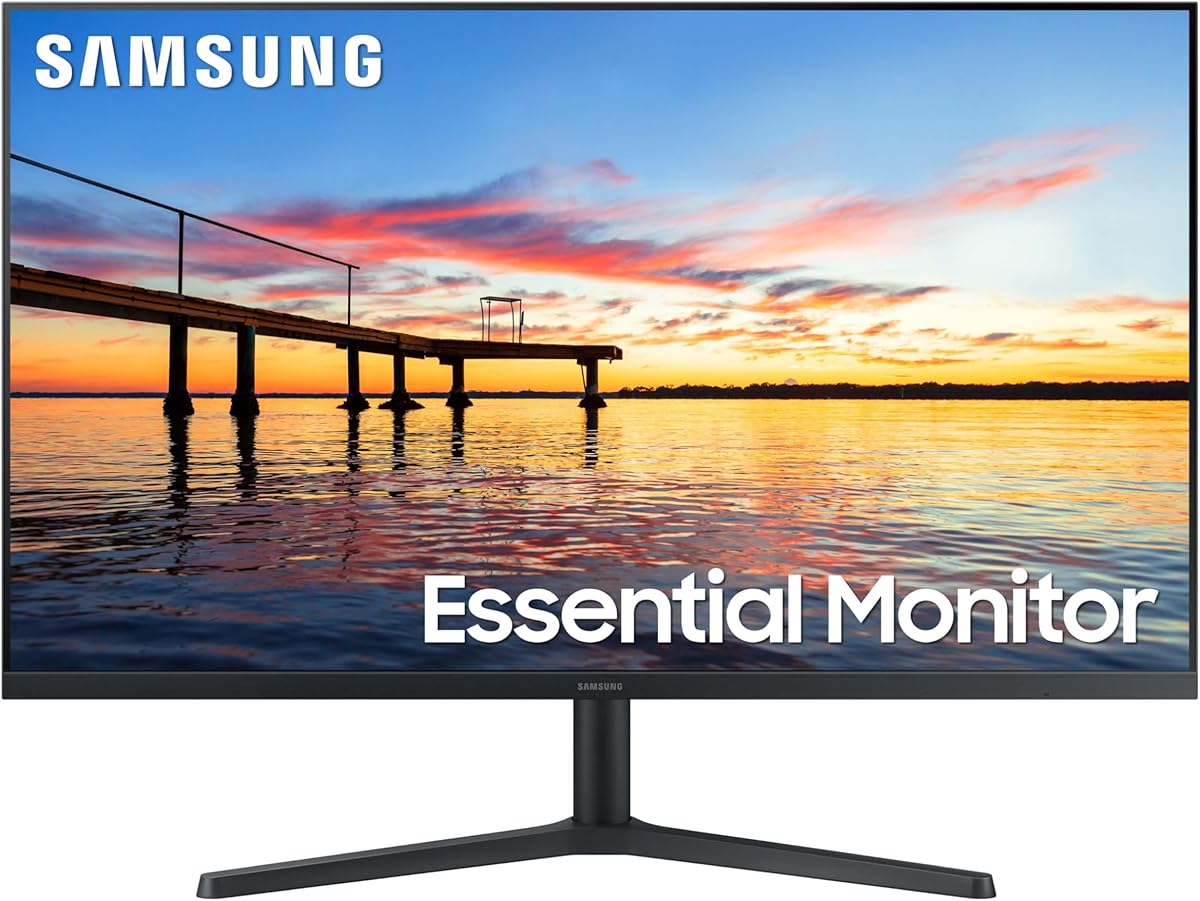
The Samsung 32" Flat monitor offers an all-expansive view with a clean modern aesthetic. The three-sided borderless display lines up seamlessly for a virtually gapless view without distractions.
We may earn a commission when you buy through this link, at no additional cost to you.
AMD FreeSync keeps your monitor and graphics card refresh rate in sync to reduce image tearing. The 75Hz refresh rate ensures every frame moves smoothly for fluid scenes without lag.
Advanced eye comfort technology reduces eye strain for less strenuous extended computing. Game Mode adjusts any game to fill your screen with every detail in view.
A spacious choice for those who need a large canvas for productivity or media. The modern design integrates well into any working environment for a professional look.
Three-sided borderless design minimizes distractions for an immersive experience.
AMD FreeSync and 75Hz reduce tearing and lag for smooth visuals.
We may earn a commission when you buy through this link, at no additional cost to you.
The LG 27U631A-B offers exceptional picture quality with an IPS display for vivid visuals even at wider viewing angles. The 100Hz refresh rate ensures on screen visuals are rendered clearly for fluidity.
We may earn a commission when you buy through this link, at no additional cost to you.
Immerse yourself in brilliant color from HDR10 that helps enhance picture quality. Seamlessly connect to external devices or charge your laptop with USB Type-C with up to 15W power delivery.
Reader Mode reduces blue light emission to help provide a reduction in eye fatigue. The ultra-slim stand maximizes your workspace and keeps your area organized.
A solid mid-range choice for those needing QHD clarity. Its sleek design and smooth refresh rate make it suitable for work and light gaming sessions.
100Hz refresh rate and 5ms response deliver ultra-smooth motion.
Ultra-slim stand maximizes your workspace and reduces clutter.
We may earn a commission when you buy through this link, at no additional cost to you.
Selecting the right monitor for your MacBook Pro involves evaluating key features that impact your workflow and visual quality. Below are essential factors to consider.
Resolution determines how much content you can view at once. For creative work a 4K resolution offers sharpness and detail that matches high-resolution displays.
Prioritize 4K UHD for clarity or QHD for a balance between performance and pixel density on 27-inch screens.
Color accuracy is vital for designers and photographers. Look for monitors with sRGB or P3 color gamuts to ensure your edits match your output.
Select models with factory calibration or sRGB coverage for professional-grade color consistency.
MacBooks rely on USB-C for connectivity. A monitor with USB-C that supports power delivery allows you to charge your laptop while using a single cable.
Ensure the USB-C port provides sufficient wattage like 65W or 90W to keep your MacBook charged.
Refresh rate affects motion smoothness. A higher rate like 100Hz or 120Hz helps prevent eye strain and provides smoother scrolling.
Choose a refresh rate that matches your usage to enjoy fluid visuals during long work sessions.
Ergonomic stands allow you to adjust height and tilt for a comfortable viewing position. This reduces strain during extended use.
Opt for stands with adjustable height and tilt to maintain a healthy posture throughout the day.
Monitors range from budget-friendly options to premium professional displays. Consider how much you are willing to invest based on your specific needs.
Balance features like color accuracy and resolution with your budget to find the best value.
Connect your monitor using the appropriate cable such as USB-C or HDMI to match the ports on your MacBook. Ensure the power connection is secure and turn on the display.
Configure the display settings on your Mac to match the resolution of the monitor for the best visual experience. Adjust brightness and color profiles to reduce eye strain.
Clean the screen with a microfiber cloth to avoid scratches and maintain clarity. Keep the monitor in a cool and dry environment to ensure longevity.
For color accuracy, models like the Dell UltraSharp and BenQ PD2706QN offer factory calibration and wide color gamuts. They ensure your designs match the output accurately.
Not all monitors support USB-C power delivery. Check the specifications to ensure the monitor can provide enough wattage to charge your MacBook while in use.
4K resolution is ideal for creators needing sharp text and high detail. However, QHD can be sufficient for general tasks and offers a balance between performance and cost.
Yes, gaming monitors with high refresh rates like 120Hz work well for productivity too. They provide smooth motion and reduce lag which can benefit daily tasks.
A 27-inch monitor is often optimal for a dual screen setup as it provides enough space without taking up too much desk area. Look for slim bezels to minimize gaps.
You can adjust brightness using the physical buttons or dials on the monitor. Some models also support software control via apps or macOS settings.
In summary, the Dell UltraSharp and BenQ MA270UP stand out for their integration with macOS and professional features. These models offer seamless connectivity and color accuracy.
Prioritize color gamut and power delivery when selecting a monitor. Investing in a high-quality display enhances both productivity and comfort for your daily tasks.
Prices and availability vary over time so check current listings before purchasing. This ensures you get the best value for your specific requirements.