
Gigabyte Z370 AORUS Gaming 7 Motherboard
4.4Editor score
USB Type-C connectivity
Killer E2500 LAN
RGB Fusion lighting
This guide compares the top ten brands for Z370 motherboards to help you choose the best motherboard for your Intel 8th generation build.
Selecting the right motherboard is crucial for any PC build. The Z370 chipset offers robust features for Intel 8th gen processors. You need a reliable brand to ensure stability and performance.
We analyzed ten top models based on connectivity, cooling, and durability. Our list covers various budgets and use cases from gaming to general productivity. Each entry highlights key specs and user feedback.
Read on to see which board fits your needs best. We break down pros and cons for every option. Keep in mind that availability and pricing may shift over time.
4.4Editor score
4.6Editor score

4.5Editor score
Here is a side by side look at all ten models. We compare key specs to help you decide quickly.


The MSI Z370-A PRO is a strong contender for budget builds. It supports 8th Gen Intel Core processors and offers robust VR readiness. With a 4.5 star rating it is trusted by many users.
We may earn a commission when you buy through this link, at no additional cost to you.
This board features four DDR4 slots capable of holding up to 64GB of RAM. It also supports 2-Way AMD CrossFireX for multi GPU setups. The ATX form factor ensures compatibility with most mid tower cases.
While it lacks advanced RGB features it delivers stable performance for the price. The cooling is adequate for standard use cases. Users appreciate the straightforward BIOS layout.
This model is ideal for gamers on a budget who need reliable core features. It balances cost and performance effectively. Consider it if you do not need extra bells and whistles.
The board is designed with VR in mind ensuring low latency and stable frame rates.
Up to 64GB of DDR4 RAM allows for heavy multitasking and future proofing.
We may earn a commission when you buy through this link, at no additional cost to you.
The ASUS Prime Z390-P is notable for its multi GPU capabilities. It supports 8th and 9th Gen processors. With a 4.4 rating it is popular among miners and multi card users.
We may earn a commission when you buy through this link, at no additional cost to you.
It includes six PCIe slots and Above 4G Decoding support. This enables efficient handling of multiple GPUs. The Safe Slot Core protects against heavy graphics cards.
FanXpert 4 provides advanced cooling management. The protection safeguards ensure longevity under load. While audio is standard it is sufficient for general use.
Consider this board if you plan a multi card build. It offers great connectivity and protection features. It is a solid choice for stability.
The layout and slots are optimized for cryptocurrency mining efficiency.
Protection III features protect against overvoltage and physical damage.
We may earn a commission when you buy through this link, at no additional cost to you.
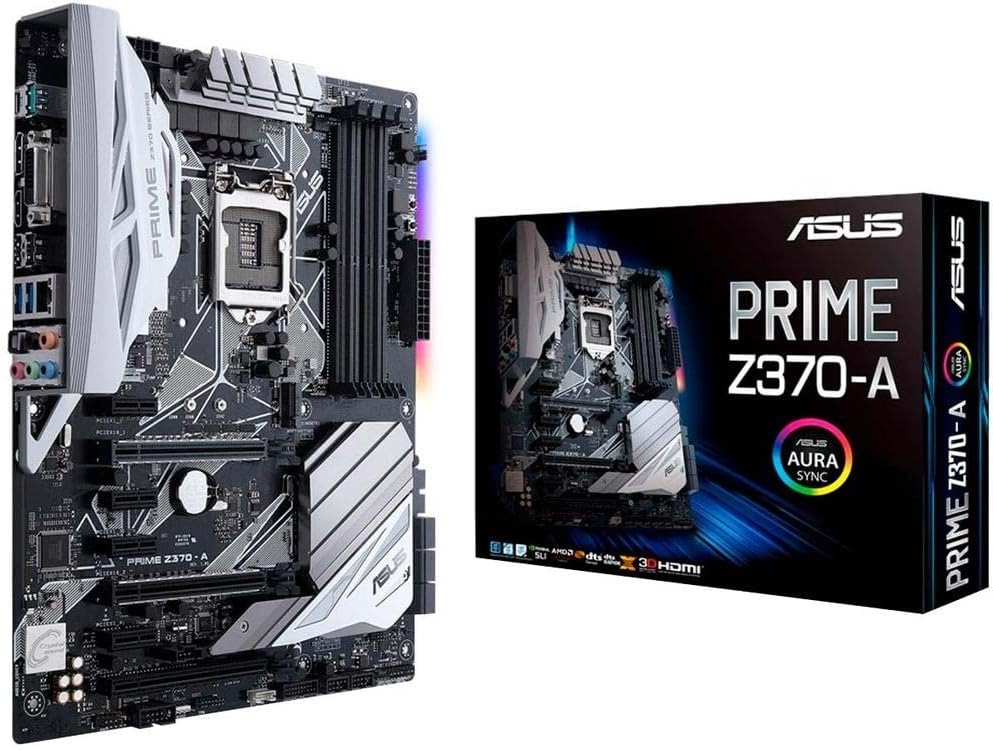
The ASUS Prime Z370-A is a premium pick for enthusiasts. It offers dual M.2 slots and Thunderbolt 3 support. With a 4.6 rating it stands out for performance.
We may earn a commission when you buy through this link, at no additional cost to you.
It features AURA Sync RGB and Safe Slot Core for durability. The 5-Way Optimization simplifies tuning. Fans appreciate the high quality audio codec.
While it costs more it delivers exceptional features. The design supports heavy GPUs well. It is versatile for gaming and work.
This model is best for those wanting top features. It balances speed and aesthetics well. It is a great long term choice.
Sync RGB lighting across compatible devices for a unified look.
5-Way Optimization tailors settings automatically to your system.
We may earn a commission when you buy through this link, at no additional cost to you.
The Gigabyte Z370 AORUS Gaming 7 is a flagship model. It supports 8th Gen Intel Core processors. With a 4.4 rating it is trusted for gaming.
We may earn a commission when you buy through this link, at no additional cost to you.
It offers three M.2 slots and USB Type-C headers. Killer E2500 LAN ensures stable connections. The ESS Sabre DAC provides high fidelity audio.
RGB Fusion allows multi zone lighting customization. Thermal Guards protect storage speeds. It is built for high performance needs.
Choose this if you want top tier features. It offers extensive storage and audio options. It is a great choice for enthusiasts.
Three M.2 slots provide ample space for fast SSDs.
ESS Sabre DAC delivers studio quality sound.
We may earn a commission when you buy through this link, at no additional cost to you.
The GIGABYTE Z390 UD is designed for multi GPU setups. It supports 8th and 9th Gen Intel Core processors. With a 4.4 rating it is reliable for mining.
We may earn a commission when you buy through this link, at no additional cost to you.
It has six PCIe slots and Above 4G Decoding. The 10+2 Phase PWM ensures power stability. Smart Fan 5 manages cooling efficiently.
RGB strips are supported for customization. CEC 2019 ready for power saving. It is built for long term operation.
This board is best for card heavy builds. It offers solid power and slots. It is a cost effective option.
10+2 Phase PWM delivers stable power under load.
Smart Fan 5 uses sensors for optimized cooling.
We may earn a commission when you buy through this link, at no additional cost to you.
The ASUS TUF Z370 Plus is built for durability. It supports 8th Gen Intel Core processors. With a 4.5 rating it is trusted for longevity.
We may earn a commission when you buy through this link, at no additional cost to you.
It features Military Grade TUF Components like LANGuard. Dual M.2 slots offer fast storage. AURA Sync RGB adds customization.
Gamer's Guardian provides hardware safeguards. FanXpert 4 Core aids cooling. The board is designed for tough gaming.
This model is great for durability seekers. It offers strong protection features. It is a reliable gaming choice.
Military Grade parts ensure system resilience.
Hardware level safeguards protect your investment.
We may earn a commission when you buy through this link, at no additional cost to you.
The ASUS PRIME Z370-P is a balanced option. It supports 8th Gen Intel Core processors. With a 4.4 rating it is reliable.
We may earn a commission when you buy through this link, at no additional cost to you.
It features Dual M.2 slots and 5X Protection III. Safe Slot Core prevents GPU damage. FanXpert 4 Core manages fans well.
Realtek ALC887 audio is standard. USB Type-C ports add speed. It is designed for stable use.
This board is good for general builds. It offers protection and connectivity. It is a steady choice.
Hardware level safeguards protect against overvoltage.
Multiple USB 3.1 Gen 2 ports offer fast speeds.
We may earn a commission when you buy through this link, at no additional cost to you.
The Gigabyte Z370 HD3 is an entry level pick. It supports 8th Gen Intel Core processors. With a 4.4 rating it is reliable.
We may earn a commission when you buy through this link, at no additional cost to you.
It offers Dual Channel DDR4 and 2 Way Crossfire. PCIE Gen3 x4 M.2 is available. Realtek ALC892 audio is standard.
HDMI output provides video without GPU. It is designed for simple builds. It offers basic connectivity.
This board is best for budget systems. It covers essential features. It is a simple choice.
Supports 2 Way Crossfire for dual GPU setups.
PCIE Gen3 x4 connector for fast storage.
We may earn a commission when you buy through this link, at no additional cost to you.
The ASRock Z370 EXTREME4 is feature rich. It supports 8th Gen Intel Core processors. With a 4.3 rating it is solid.
We may earn a commission when you buy through this link, at no additional cost to you.
It features USB 3.1 Gen2 Type-A and Type-C. 4 DDR4 Slots offer capacity. HDMI support is included.
It is designed for versatile connectivity. It is reliable for general use. It covers essentials.
This board is good for standard builds. It offers solid USB options. It is a versatile choice.
USB 3.1 Gen2 ports offer 10 GB/s speeds.
HDMI support for video without GPU.
We may earn a commission when you buy through this link, at no additional cost to you.
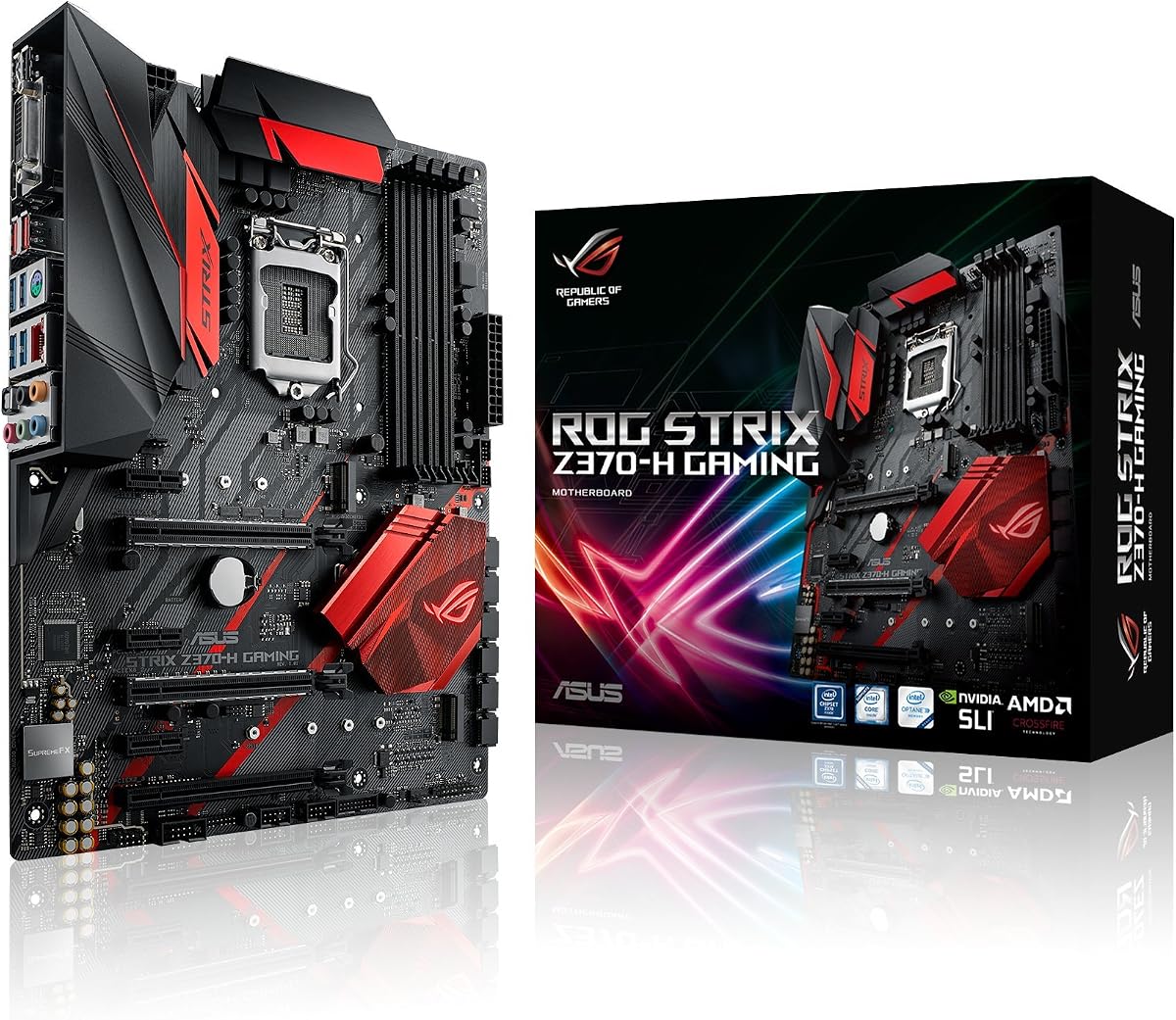
The ASUS ROG Strix Z370-H is gaming focused. It supports 8th Gen Intel Core processors. With a 4.4 rating it is reliable.
We may earn a commission when you buy through this link, at no additional cost to you.
It offers 64GB DDR4 and multiple video ports. Optical S/PDIF is included. It features a 5 Year Warranty.
It is designed for robust gaming. It offers high memory. It is durable.
This model is great for gamers needing RAM. It covers video needs. It is a strong choice.
Supports up to 64GB of DDR4 RAM.
5 Year warranty provides peace of mind.
We may earn a commission when you buy through this link, at no additional cost to you.
Choosing a motherboard requires checking several factors. Here are key things to consider.
Ensure the Z370 chipset matches your 8th Gen Intel Core processor. This ensures full feature support.
Always check your CPU socket and generation before buying.
Look for at least 4 DDR4 slots. Most Z370 boards support up to 64GB.
More slots allow future upgrades without replacing the board.
Check for M.2 slots for fast SSDs. Some boards have multiple M.2 connectors.
Prioritize boards with Gen3 x4 M.2 for speed.
USB 3.1 Gen2 and Type-C ports are useful. Ensure you have enough rear ports.
Front headers for USB Type-C are valuable for cases.
High end codecs like Realtek S1220A improve sound. Look for audio caps.
Basic audio is fine for most but better is preferred.
Killer or Intel Gigabit LAN helps stability. Some have Wi-Fi modules.
Choose boards with stable LAN for gaming.
VRM heatsinks and fan headers are key. Look for Smart Fan features.
Good cooling ensures stability under load.
Check the manufacturer warranty length. Some offer 5 years.
A longer warranty adds value to your purchase.
Install the board in a grounded case and connect power first. Check all cables before booting.
Update BIOS immediately for stability. Use the manufacturer tool or USB.
Monitor temperatures with software. Clean dust from fans and VRMs.
Most Z370 boards need a BIOS update to support 9th Gen. Always check the specific model support list first.
Yes Z370 boards use DDR4 memory. They usually support 4 slots up to 64GB total.
Z390 has more USB ports and PCIe lanes. Z370 is older but cheaper for 8th Gen builds.
Most support at least one M.2 slot. High end models have two or three slots.
Some do and others require an add on card. Check the specific model details.
Yes many boards support 2 Way CrossFire. Check PCIe lane allocation.
We reviewed ten top boards for Intel 8th Gen processors. Each offers unique features and pricing.
Prioritize memory and storage needs. Consider cooling and connectivity for your use case.
Check current availability before buying. Prices and stock vary daily.